Make a lyric video and cover art
Everything a song needs before you post it: a video with the words and a cover.
Open the lyric video maker, load a song, paste its timed lyrics (or tap along as it plays) and add a picture. The video is made in your browser, free. The music visualizer works the same way without words. For the cover, describe a picture and the album cover generator makes a square image for 2 credits.
- 1
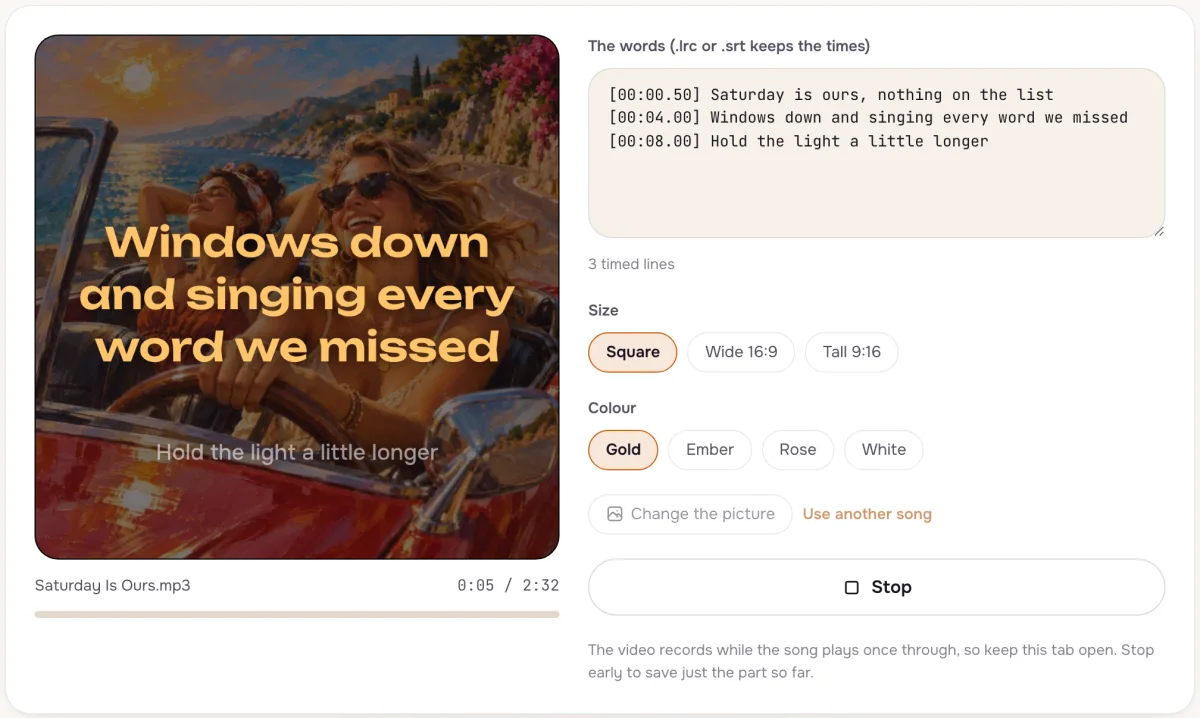
Words in time with the song
Pick a song from your Library or upload one, then paste lyrics with times (.lrc or .srt), or plain lines and tap along as each one is sung. Add a picture, a title and a colour, and press Preview to watch it with the music.
- 2
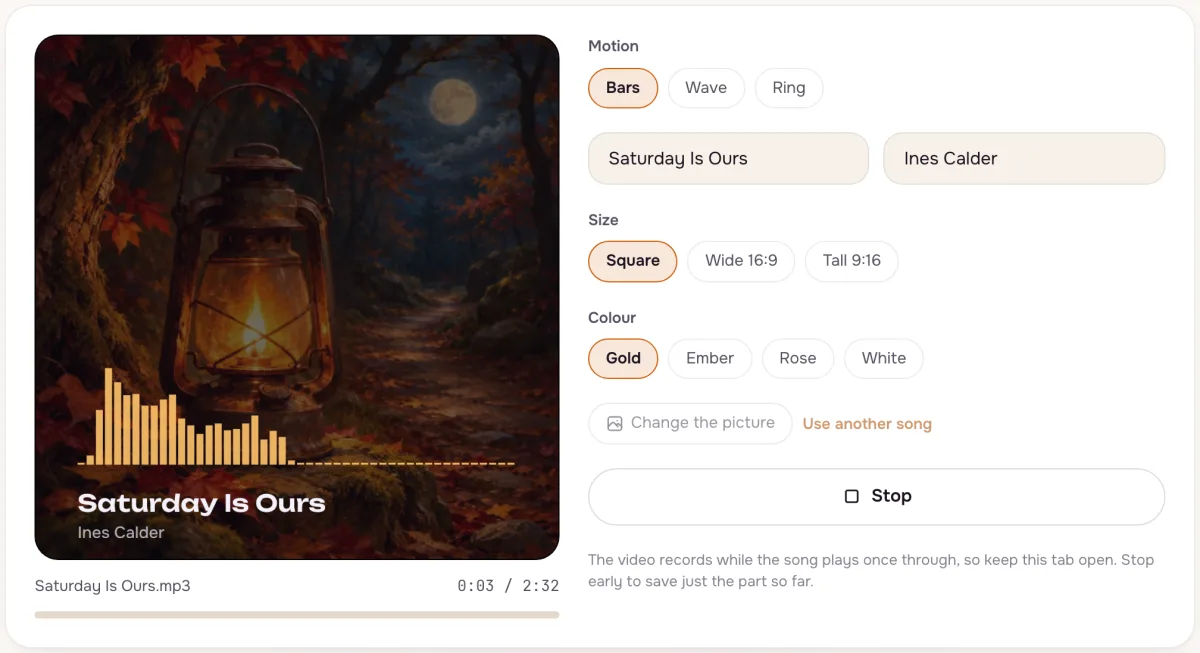
A visualizer for instrumentals
The music visualizer moves bars to the sound over your picture, with the title and artist. Pick square for posts, wide for video sites or tall for stories, then record the video.
- 3
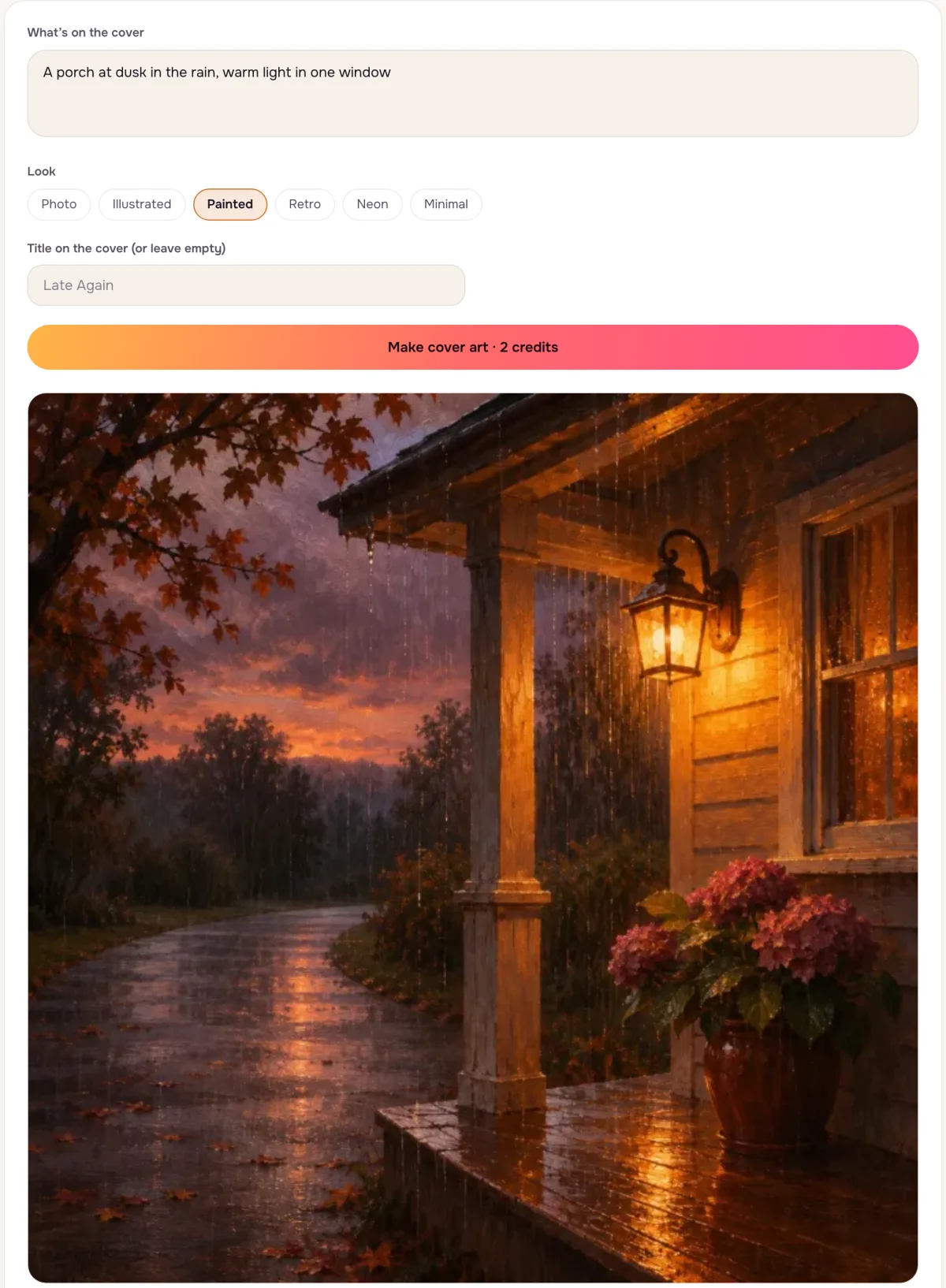
Cover art from a sentence
Describe the picture and pick a look; add a title only if you want words on it. Open it from a song's menu and the picture becomes that song's cover too.
Tips that make a difference
- Timed lyrics in one click
Songs made here can fetch their .lrc file from the song menu for 1 credit.
- Tall for phones
Use the Tall 9:16 size for stories and short videos.
- Keep text off the picture
Lyric videos read best over a calm image without words of its own.
Questions
Is the lyric video maker free?
Yes. It runs in your browser and costs no credits; nothing is uploaded.
Can I use a song I did not make here?
Yes, any audio file you have the right to use.
Can I put a person in the cover art?
Describe made-up people only; pictures of real, named people are not made.
Not covered here.Ask us something else
Try it now
Turn a song and its words into a lyric video or visualizer in your browser, free, and make square cover art for 2 credits.
Make a lyric video