Make sound effects and voice-overs
The sounds around your song: effects for a scene, a read script, a different voice.
The sound effect generator turns a sentence into a clip of up to 22 seconds. The voice generator reads up to 2000 characters in the voice you pick. The voice changer takes a recording of up to 3 minutes and gives it another voice. Each shows its cost before you start.
- 1
A sound from a sentence
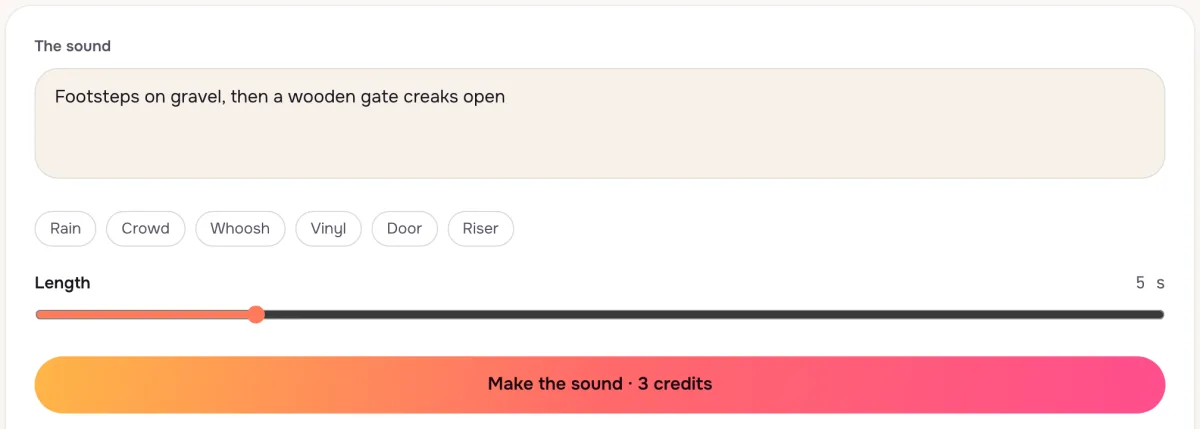
Describe what happens, in order: footsteps on gravel, then a gate. Set the length, press Make and play the clip, then download it.
- 2
A script read aloud
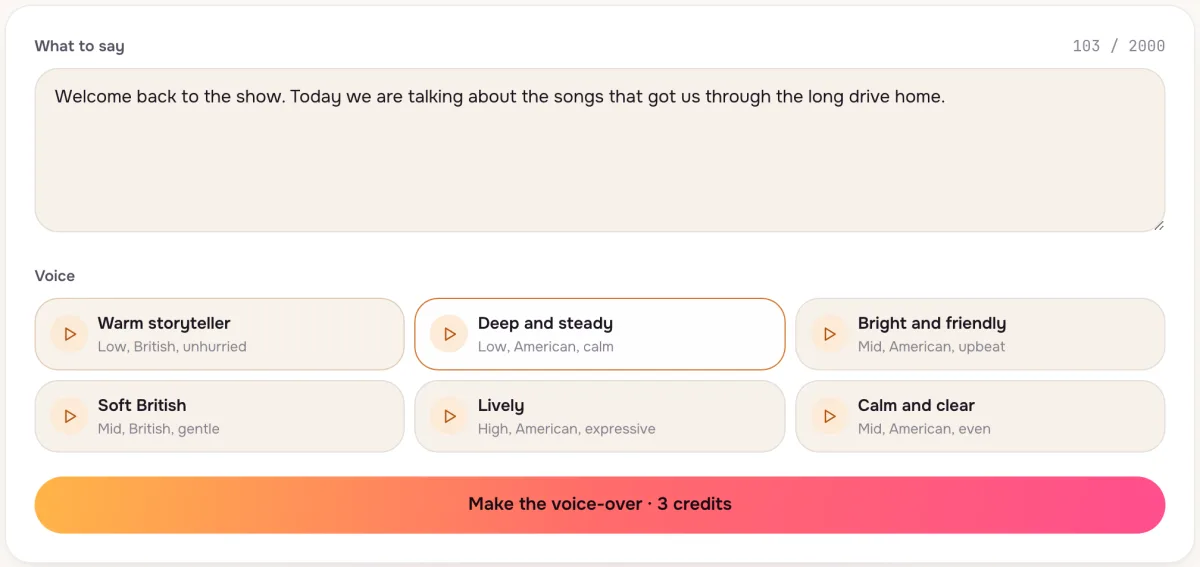
Paste the script and play each voice's sample before you pick one. The cost grows with the length of the text and shows on the button.
- 3
Another voice on your recording
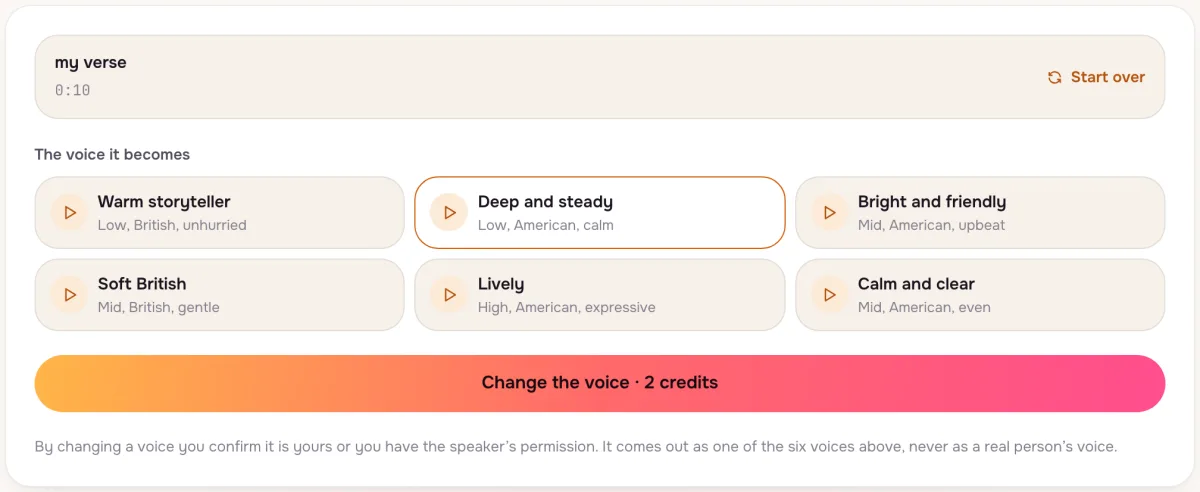
Upload a take or record one with your microphone, pick the voice it should become, and the timing and words stay yours.
Tips that make a difference
- Name the room
Footsteps in a hall and footsteps on a beach sound nothing alike; say where it happens.
- Punctuate for pauses
Commas and full stops in a script become breaths in the read.
- Record dry
A recording without music behind it changes voice cleanly.
Questions
Can I clone a real person’s voice?
No. The voice changer only turns a recording into one of our own voices.
Can I use the sounds in a video or game?
Yes, with any plan or pack, like the songs you make here.
Do failed clips cost credits?
No. A clip that fails gives its credits back on its own.
Not covered here.Ask us something else
Try it now
Type a sound and get it in seconds, read a script in a natural voice, or change the voice on a recording. Sound effects up to 22 seconds, scripts up to 2000 characters.
Make a sound effect