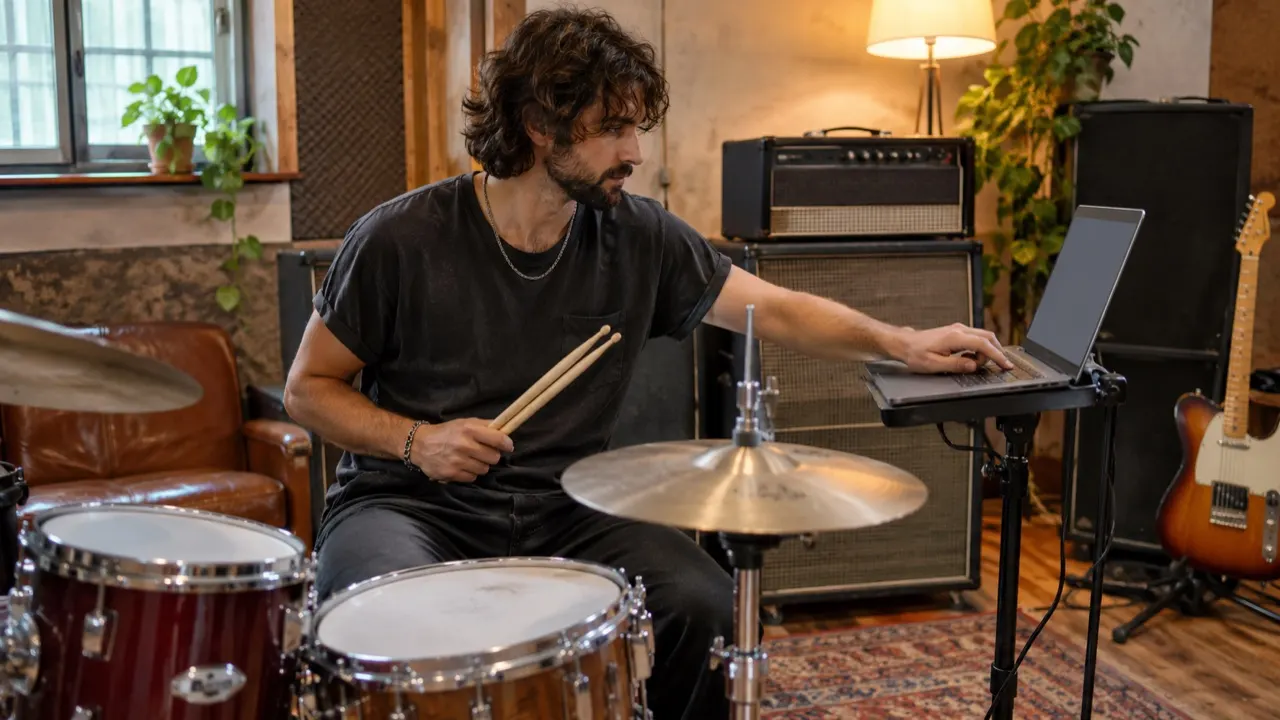
Drummers and bands
Check the tempo of the next song in the set before you count it in.
No file needed. Tap along to the song you are hearing.
Tap any key, click or press the space bar on each beat. After four taps you see the BPM; it averages your last eight taps, and a two-second pause starts over.
Your tempo
–
Tap at least 4 times
An example of eight taps along to a song at 123 BPM.
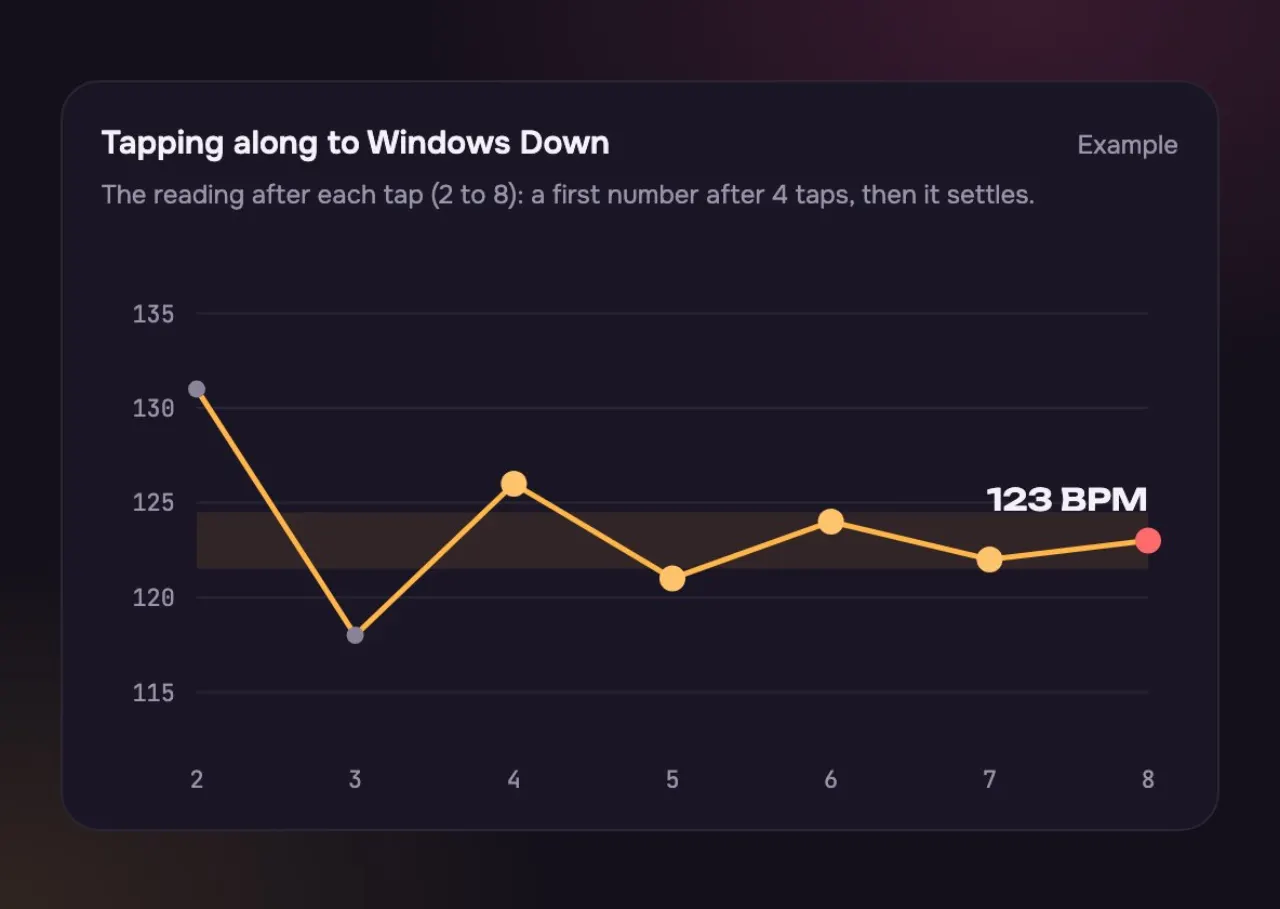
Nothing shows yet. One tap early or late would swing the number too far.
The first BPM appears. It can still be a few beats off.
It averages your last eight taps, so the number settles close to the real tempo.
How it listens to you, and when it starts over.
Ten seconds, start to finish.
Play it anywhere: a speaker, your phone, a band in the room.
Tap the space bar or the circle on every beat. Keep going for eight taps.
Read the number. If it feels twice too fast or slow, press Half time or Double time.
Anyone who needs the beat of a song they are hearing right now.
Check the tempo of the next song in the set before you count it in.
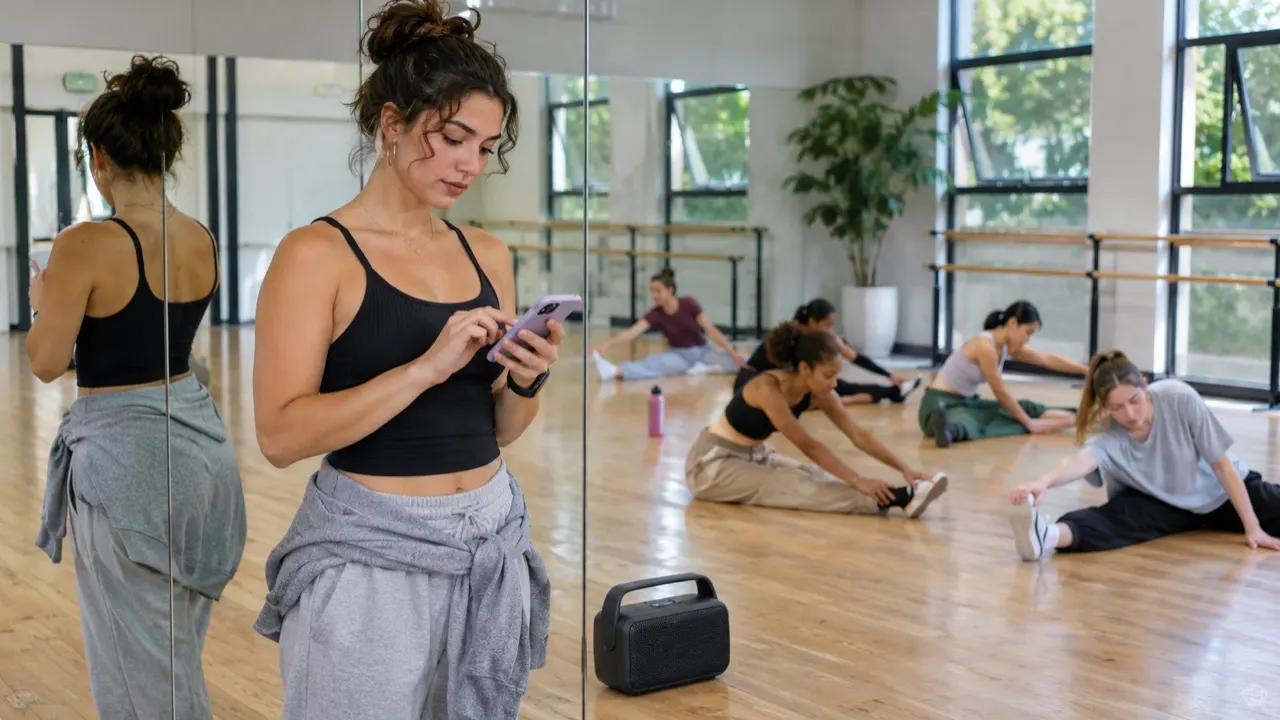
Find the tempo of a track so the routine fits the count.
“Windows Down” is 123 BPM, but many people tap it at 62.
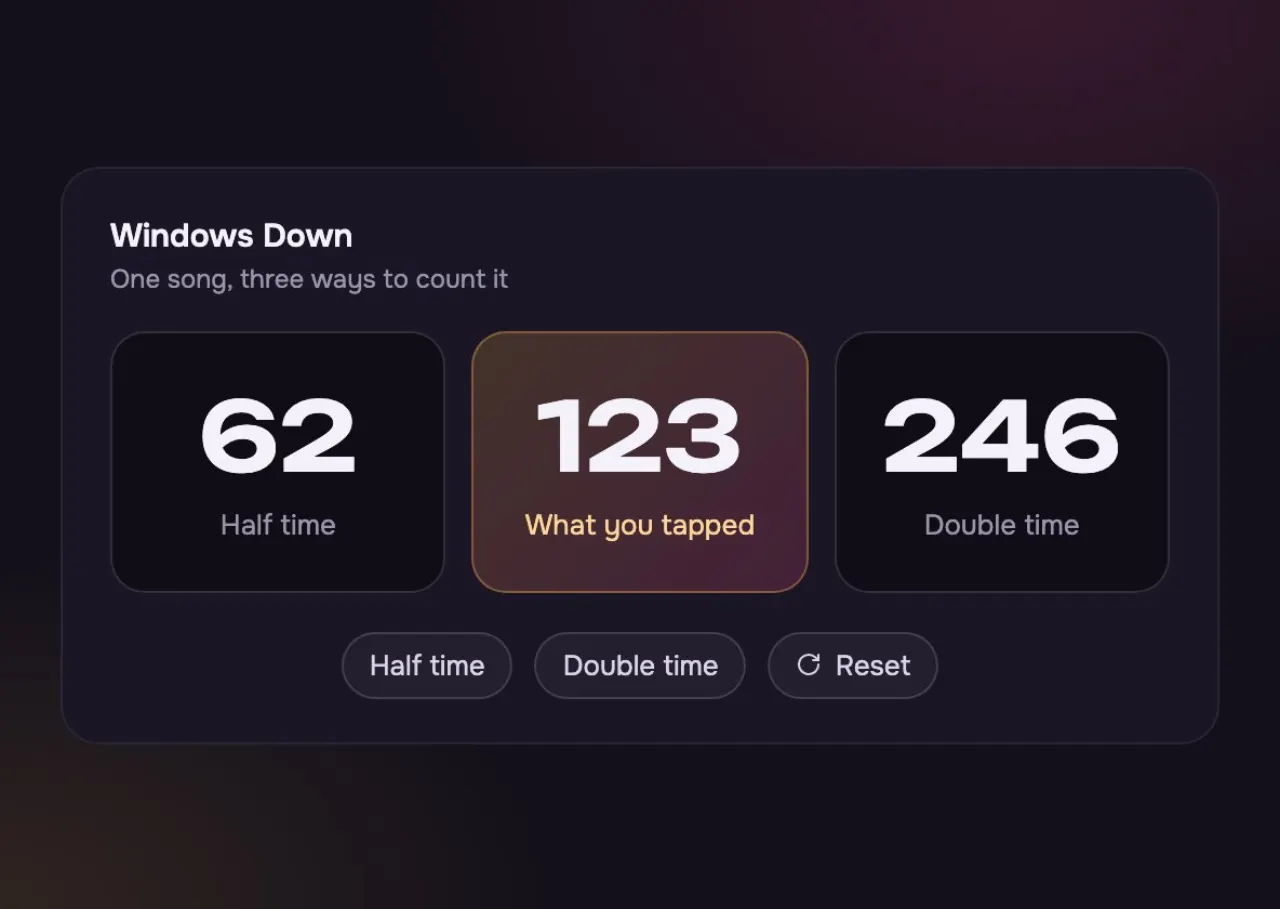
Tapping on every other beat: on the kick and snare only.
The tempo a DJ app or our Key Finder reads from the file.
Tapping on the hi-hat. Press Half time to get back to 123.
Tap when you can hear the song; use a file when you have one.
| Tap Tempo | Key Finder (BPM from a file) | |
|---|---|---|
| Needs a file? | Tap Tempo: No. Tap to any song you hear | Key Finder (BPM from a file): Yes: MP3, WAV, M4A or FLAC |
| How fast | Tap Tempo: A number after 4 taps | Key Finder (BPM from a file): A few seconds after you drop the file |
| Shows the key? | Tap Tempo: No | Key Finder (BPM from a file): Yes, with the relative key and Camelot code |
| Best for | Tap Tempo: Live music, a radio, a song in a shop | Key Finder (BPM from a file): Songs on your computer or phone |
You see a number after four taps. Keep going to eight and it settles, because it averages your last eight taps.
You may be tapping every beat, or every other one. Use the half and double buttons: a song at 123 BPM can also be felt at 62, and both numbers are right.
The one you would clap or nod to, usually the kick and the snare. Keep tapping the same one until the number settles.
Divide 60,000 by the BPM to get one beat in milliseconds. At 120 BPM a beat is 500 ms, an eighth note 250 ms and a dotted eighth 375 ms.
Yes. Tap the big circle with your finger. It works in any phone browser, with no app.
Yes. Windows Down further down this page plays at 123 BPM. Press Play and tap, and you should land near 123, or near 62 if you tap every other beat.
Yes. On a computer the space bar works as a tap, and so does any other key.
Not covered here.Ask us something else
Tapped 123? Ask for a song at 123 BPM. Describe a mood, pick a voice and hear two full songs in about a minute.
Make a song at 123 BPMTwo free songs, no account needed.