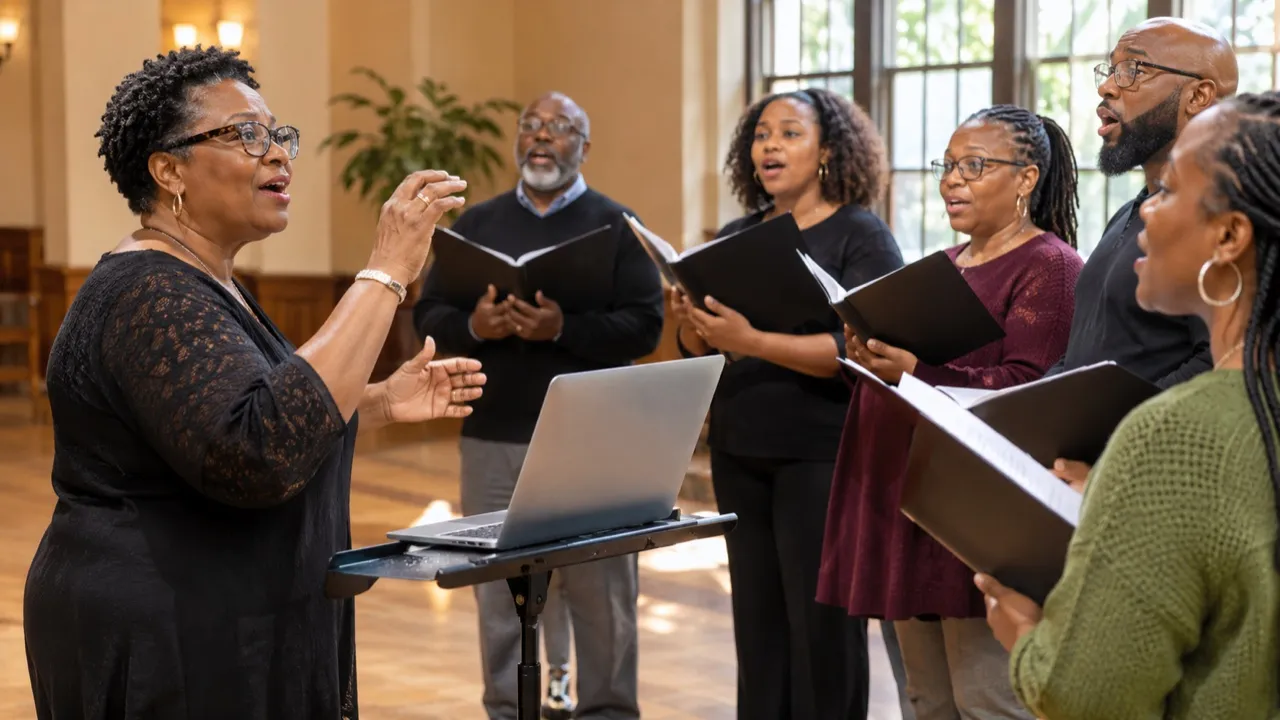
Singers and choirs
Bring a backing track down a step or two so the high notes sit where your voice is strong.
Move it up or down by semitones, and change the speed on its own.
Drop in an MP3, WAV, M4A or FLAC file up to 20 MB, move the song up or down as much as 12 semitones, and set the speed from half to one and a half times on its own. Hear a preview, see the new key, and save a WAV.
Drop an audio file here or
MP3, WAV, M4A or FLAC, up to 20 MB
We moved “Gone With the Rain”, a country song made here, down 2 semitones.
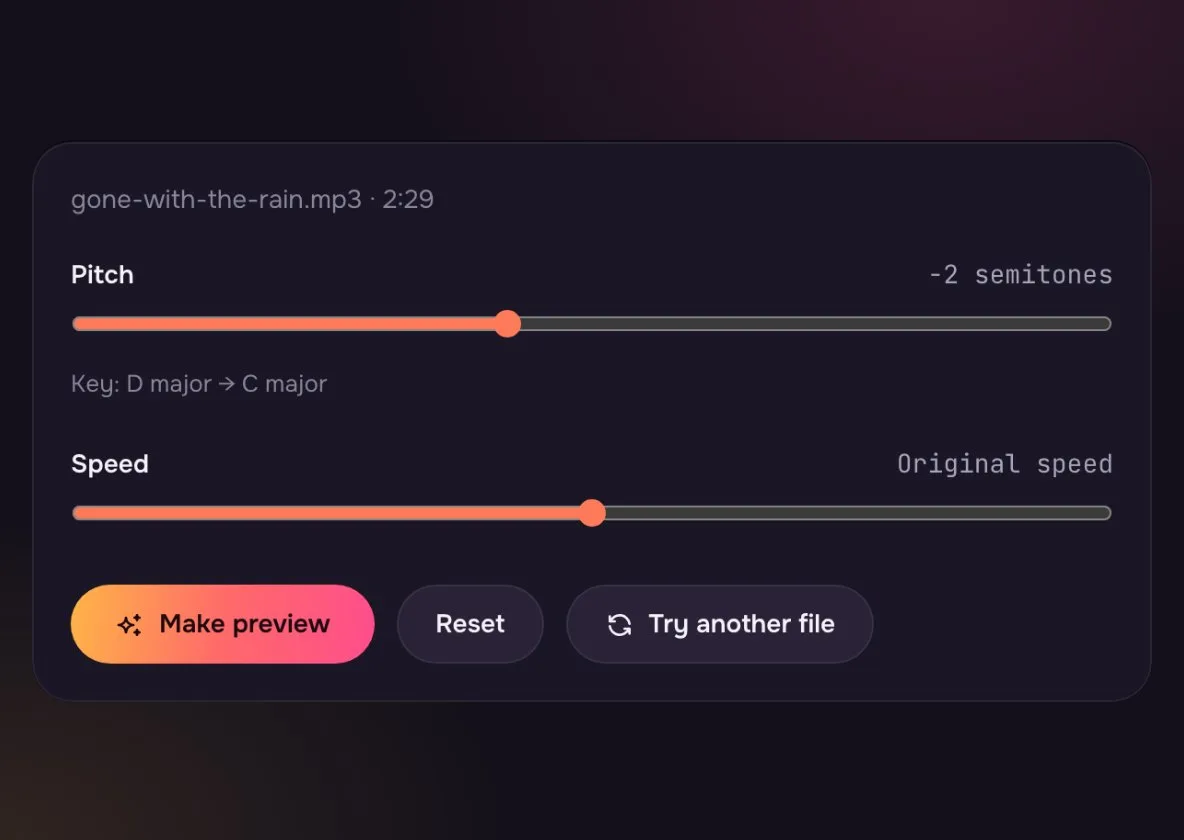
One whole step down. The top note of the chorus is now easier to reach.
The new key shows under the slider, so you know what to tell the band.
The speed did not change. Only the pitch moved.
The two sliders and what they do.
Set it, hear it, save it.
Drop an MP3, WAV, M4A or FLAC file onto the box, up to 20 MB.
Set the pitch in semitones and, if you like, the speed. Make a preview and listen.
Happy with it? Save the new version and sing, play or post it.
Move the song, not your range.
Bring a backing track down a step or two so the high notes sit where your voice is strong.

Move a track into a key that suits your instrument, or slow it to 0.75x to learn a solo.
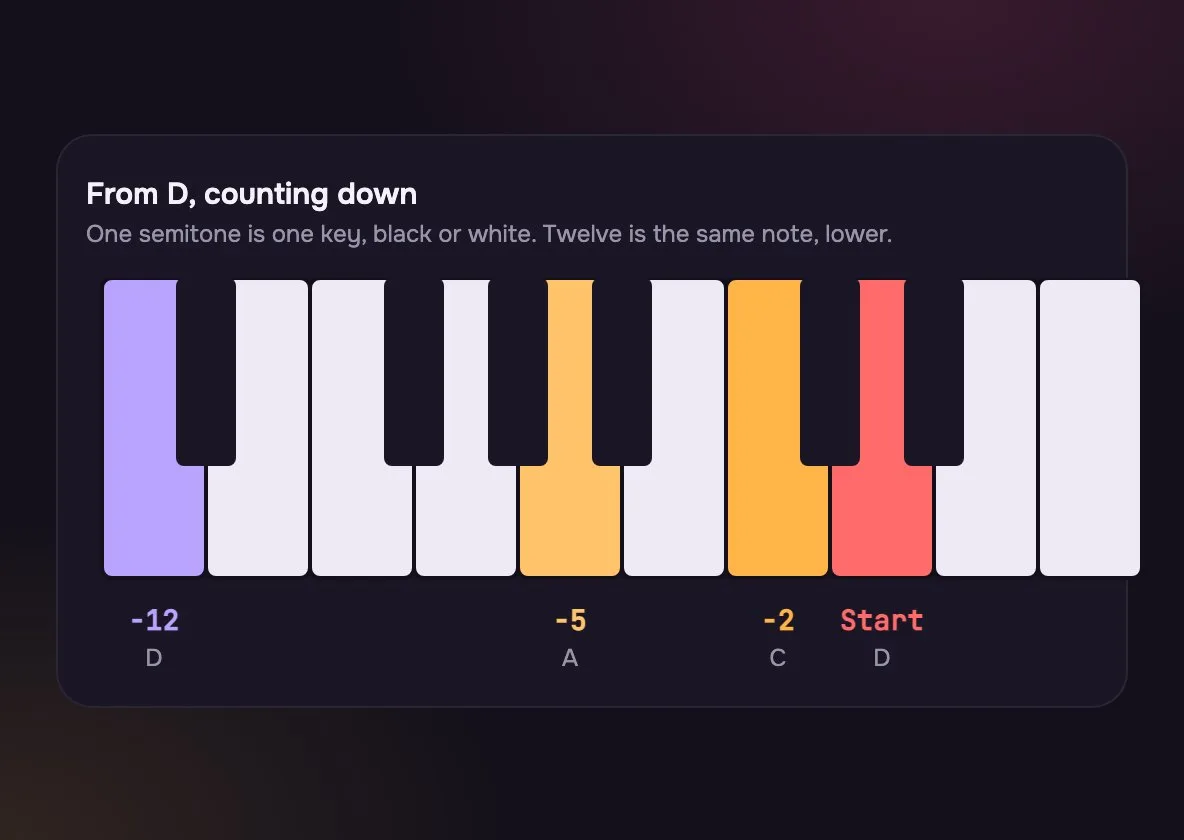
One semitone is one piano key. Small moves sound the most natural.
Sounds like the same singer on a different day. Best for fitting a voice.
Voices start to sound smaller or deeper. Fine for a backing track.
A full octave: the same notes, much higher or lower. Good for effects.
The two sliders are separate, so you choose what moves.
| Pitch only | Speed only | Both together | |
|---|---|---|---|
| Key | Pitch only: Changes | Speed only: Stays | Both together: Changes |
| Length | Pitch only: Stays | Speed only: Changes | Both together: Changes |
| Sounds like | Pitch only: The same song, higher or lower | Speed only: The same key, faster or slower | Both together: An old tape sped up or slowed down |
| Use it to | Pitch only: Fit a voice or instrument | Speed only: Learn a fast part | Both together: Make a sped-up or slowed edit |
For a dreamy slowed version with an echo, use Slowed + Reverb instead.
Yes. That is what the pitch slider does. The speed slider is separate and stays at 1x unless you move it.
Up to 12 semitones up or down, a full octave. Moves of 1 to 3 semitones sound the most natural on voices.
Sing along with the chorus. If the top note strains, move down 1 or 2 semitones and try again. If it feels low and dull, move up.
No. Your browser reads and changes the file on your device and nothing is sent to us. Close the page and it is gone.
WAV keeps the full sound and every app opens it. It is bigger than an MP3, so convert it later if you need a small file.
Yes. Load Gone With the Rain from the button under the drop zone. The song is in D major; move it down 2 steps and it plays in C major.
Yes. The speed slider runs from 50% to 150% and leaves the key where it is. Move the steps as well if you want both to change.
Each step is one note on a piano. From D, up 1 gives E♭ and up 2 gives E. Twelve steps up or down is a full octave, the same key higher or lower.
Not covered here.Ask us something else
Name the key that suits your voice and hear two full songs written for it in about a minute.
Make a song in C majorTwo free songs, no account needed.