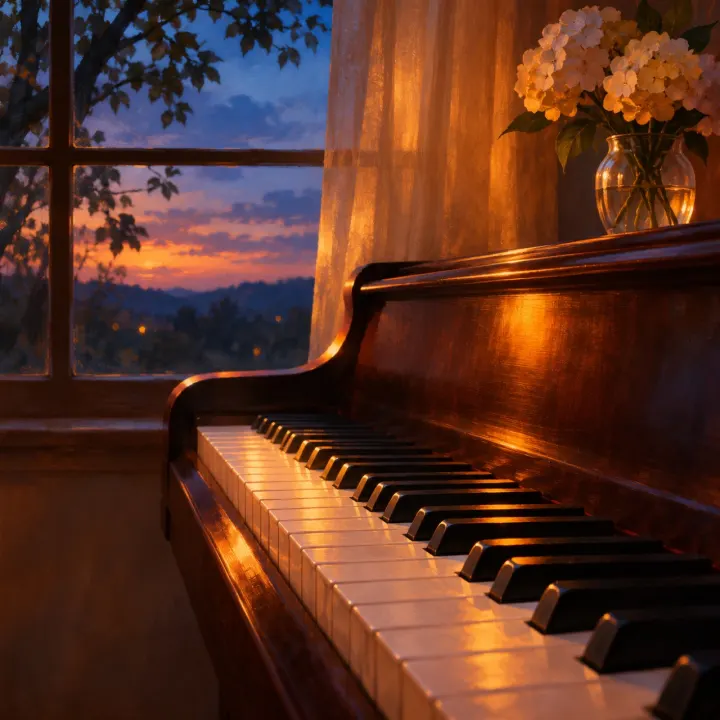
Quiet Hours
3:04Gentle solo piano
- B♭ major
- 129 BPM
- No vocals
Made from: “gentle solo piano, reflective and warm, slow tempo”
Music with no vocals, for videos, podcasts and games
Free songs are public, so leave out anything private. By creating you accept the Terms and confirm you’re 18+.
One sample, as it came out. Measured with our own Key Finder.
Gentle solo piano
Made from: “gentle solo piano, reflective and warm, slow tempo”
Start from one, then change the instruments or the mood.
Soft solo piano for study, sleep or a calm video.
Orchestra, big drums and a choir for trailers and intros.
Warm guitar and light percussion for vlogs and cooking videos.
Slow pads and textures for meditation and background.
Slap bass and bright guitar for upbeat edits.
8-bit melodies for games and retro videos.
Quiet Hours runs 3:04. Cut it to 0:30 or 1:00 with the Audio Cutter.
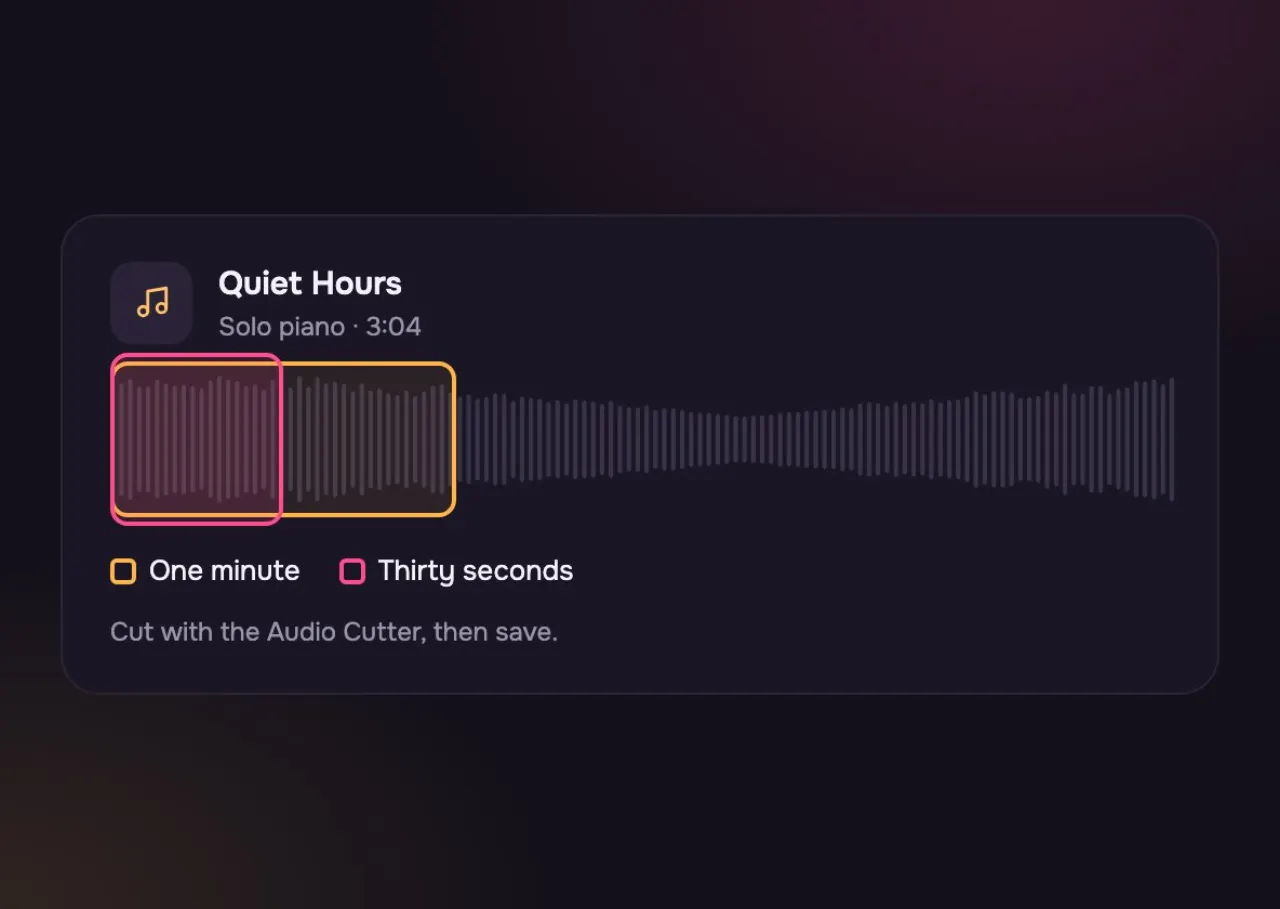
Keep the opening and fade out on a held chord.
Two phrases of the melody, ending on the home note.
A 2-second fade at the end sounds finished.
What you set, what you get and where you can use it.
Both takes kept the slow pulse at 129 BPM and moved to a new key. Pick the one that sits better under your scene.
Quiet Hours, one run: “gentle solo piano, reflective and warm, slow tempo”
Three steps and about a minute.
Flip the switch so there are no vocals.
Say the instruments and the feel: “gentle solo piano, reflective”.
Keep the one you like and cut it to length with the Audio Cutter.
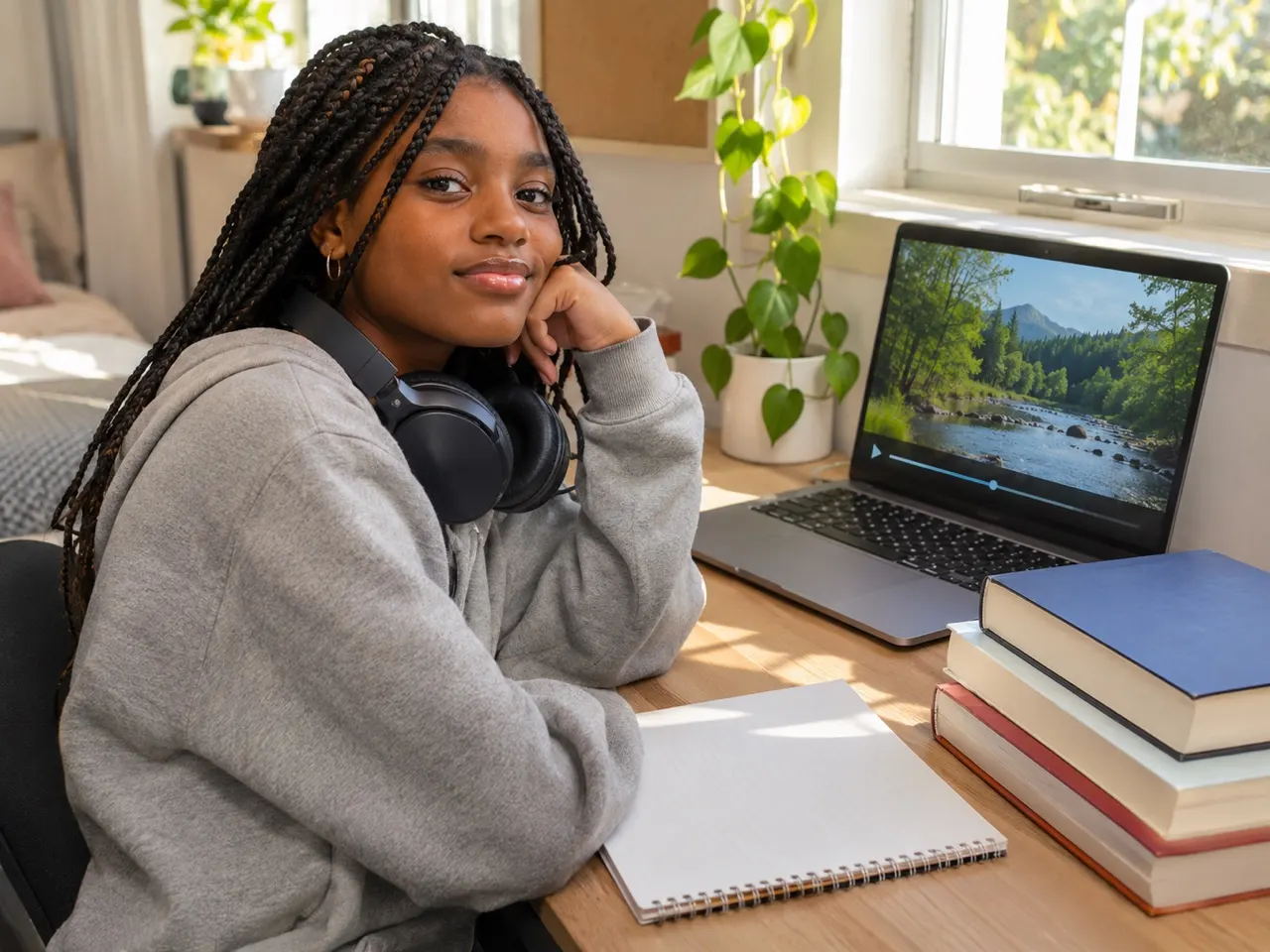
On the timeline, behind the first level, in a class and in the kitchen.
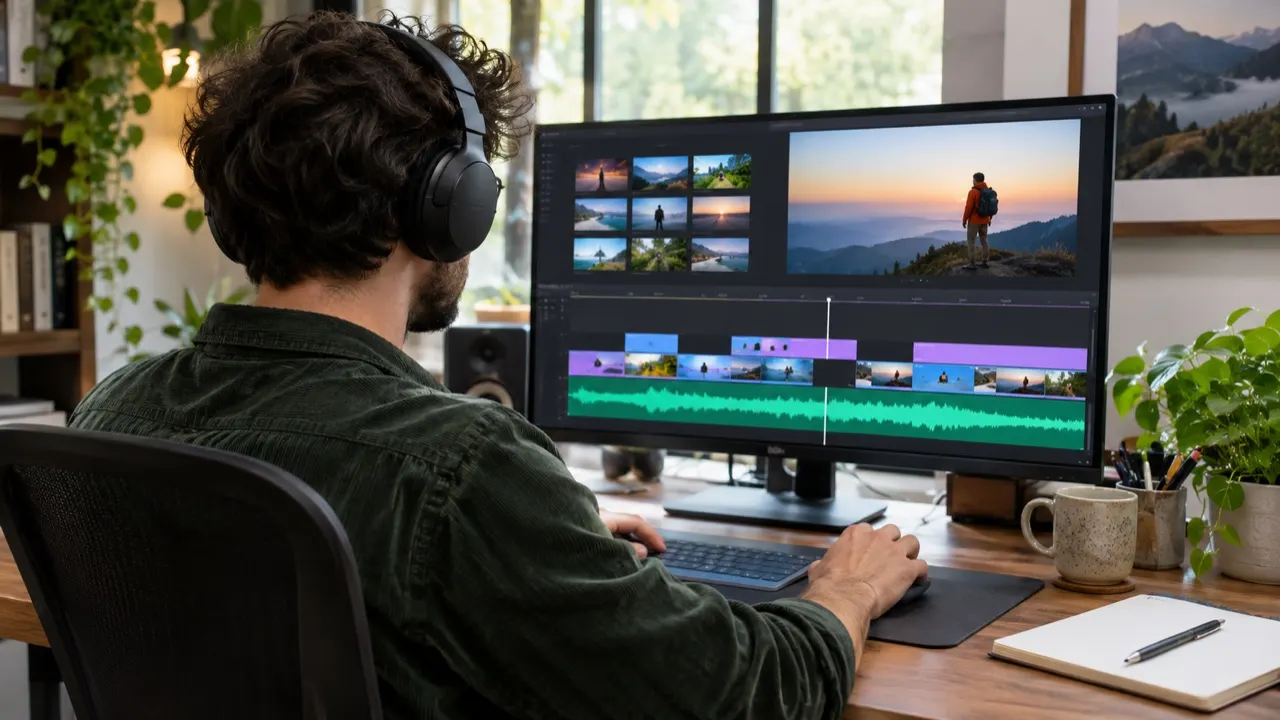
Lay a piece under the clips that fits the cut.
A theme for each level, in the same style.

Slow ambient pads with no words to follow.

Warm guitar under the chopping and the chat.
Yes, with a paid plan or a credit pack: download the MP3 and use it in videos, podcasts and games. Free songs can be played and shared, not downloaded.
The generator picks the length; “Quiet Hours” came out at 3:04. Cut the part you need with the Audio Cutter.
It makes a full piece, not a ready loop. Cut a steady part that starts and ends on a beat, and it will repeat cleanly.
Yes. Name them in the description, like piano, soft strings and brushed drums.
No. A claim is an automatic match and can be wrong. Dispute it and say the music was made for you here, with a paid plan or a credit pack.
Each V6 run makes two takes, and the model can choose a new key for each. “Quiet Hours” came out in B♭ major and E♭ major, both at 129 BPM.
Not to the same file. Switch Instrumental off and run the description again for a version with vocals.
Not covered here.Ask us something else
Two free pieces, no account needed. Upgrade when you want to download and use them.