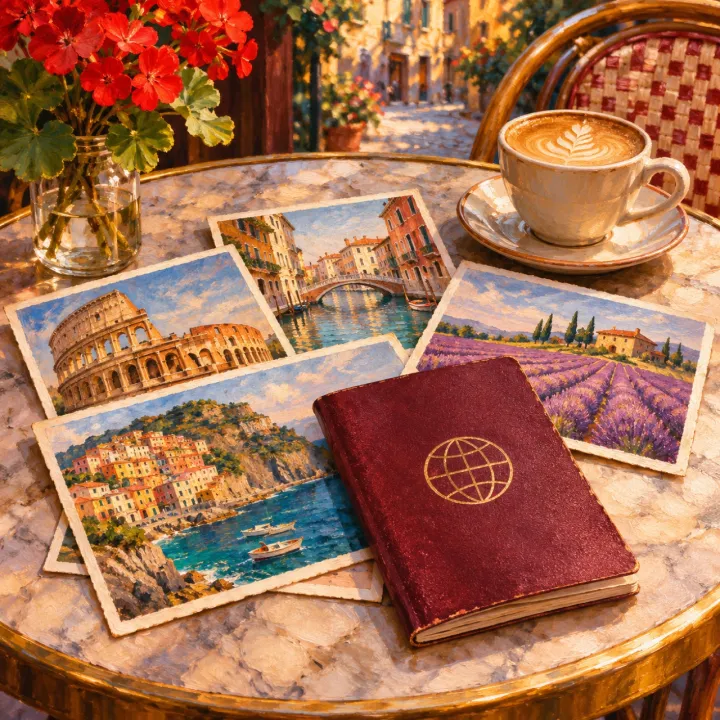
Postcards
1:38Light curious travel vlog music
- Travel vlog
- D major
- 102 BPM
Made from: “light curious travel vlog music, soft plucks, gentle beat”
Music that sits under your voice and moves with your cuts.
Free songs are public, so leave out anything private. By creating you accept the Terms and confirm you’re 18+.
Four tracks for four kinds of video.
Light curious travel vlog music
Made from: “light curious travel vlog music, soft plucks, gentle beat”
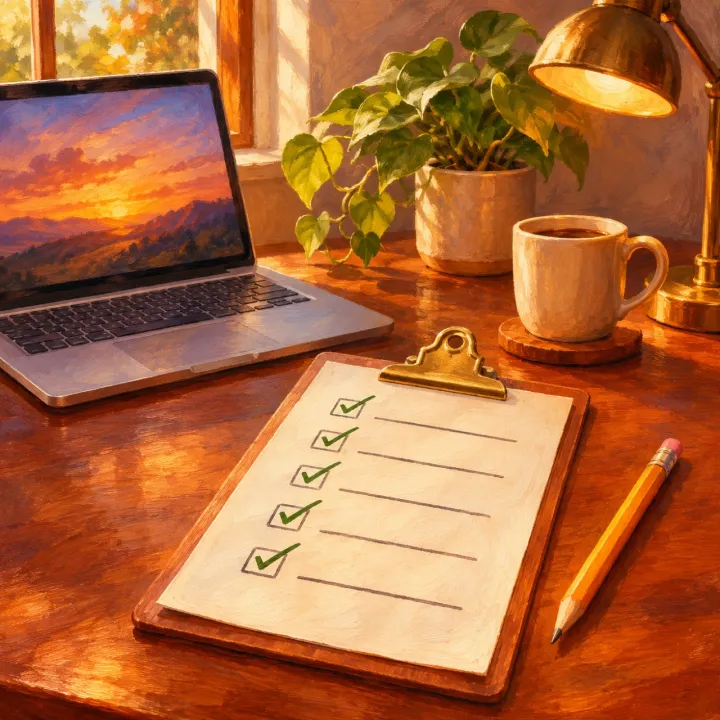
Calm focused tutorial background music
Made from: “calm focused tutorial background music, minimal piano, soft pads”
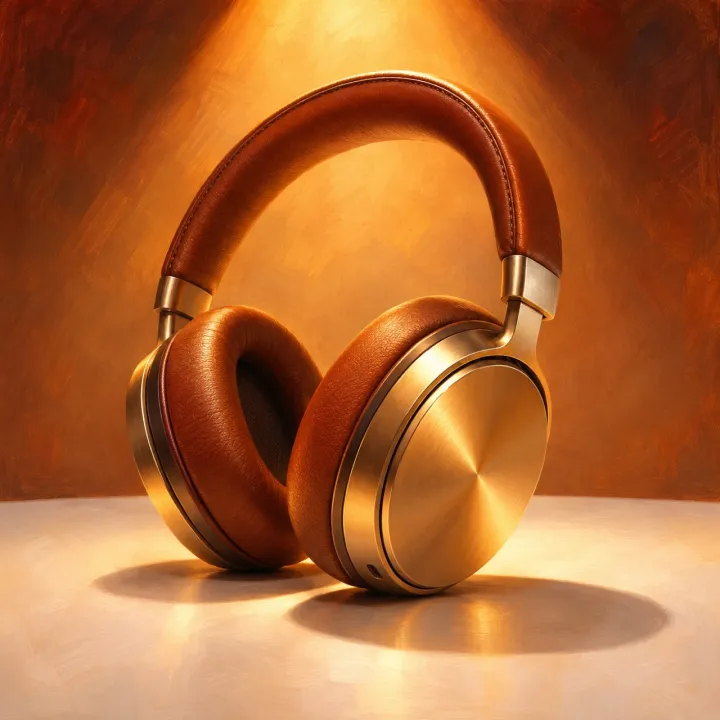
Clean modern tech product demo music
Made from: “clean modern tech product demo music, bright synths, crisp beat”
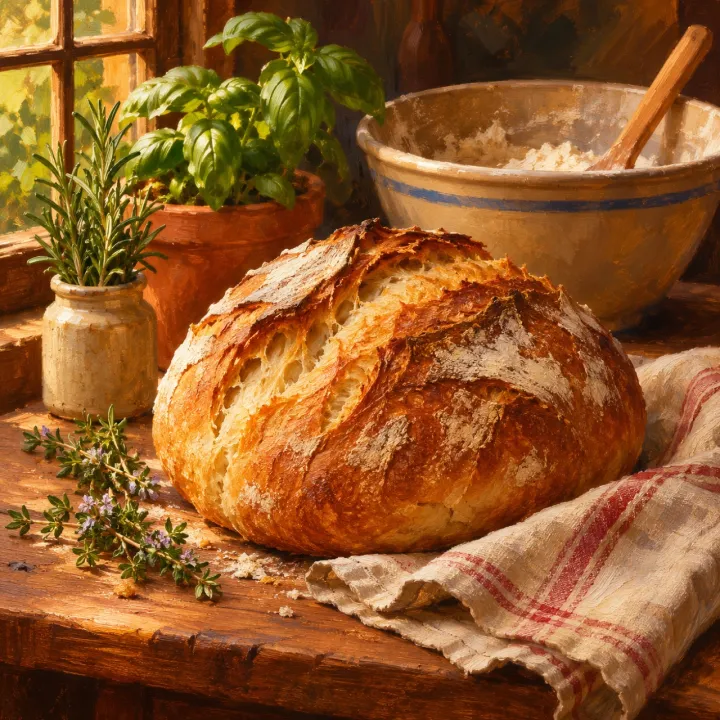
Warm playful cooking video music
Made from: “warm playful cooking video music, acoustic guitar, light percussion”
Words to put in the description.
“Light, curious, soft plucks, gentle beat.”
“Minimal piano, soft pads, no lead melody” keeps steps clear.
“Clean, bright synths, crisp beat” for screens and close-ups.
“Warm, playful, acoustic guitar, light percussion.”
“Pumping electronic drums and bass, high energy.”
“Elegant, airy, piano and soft strings.”
How “Step by Step” sits under a talking tutorial in the editor.
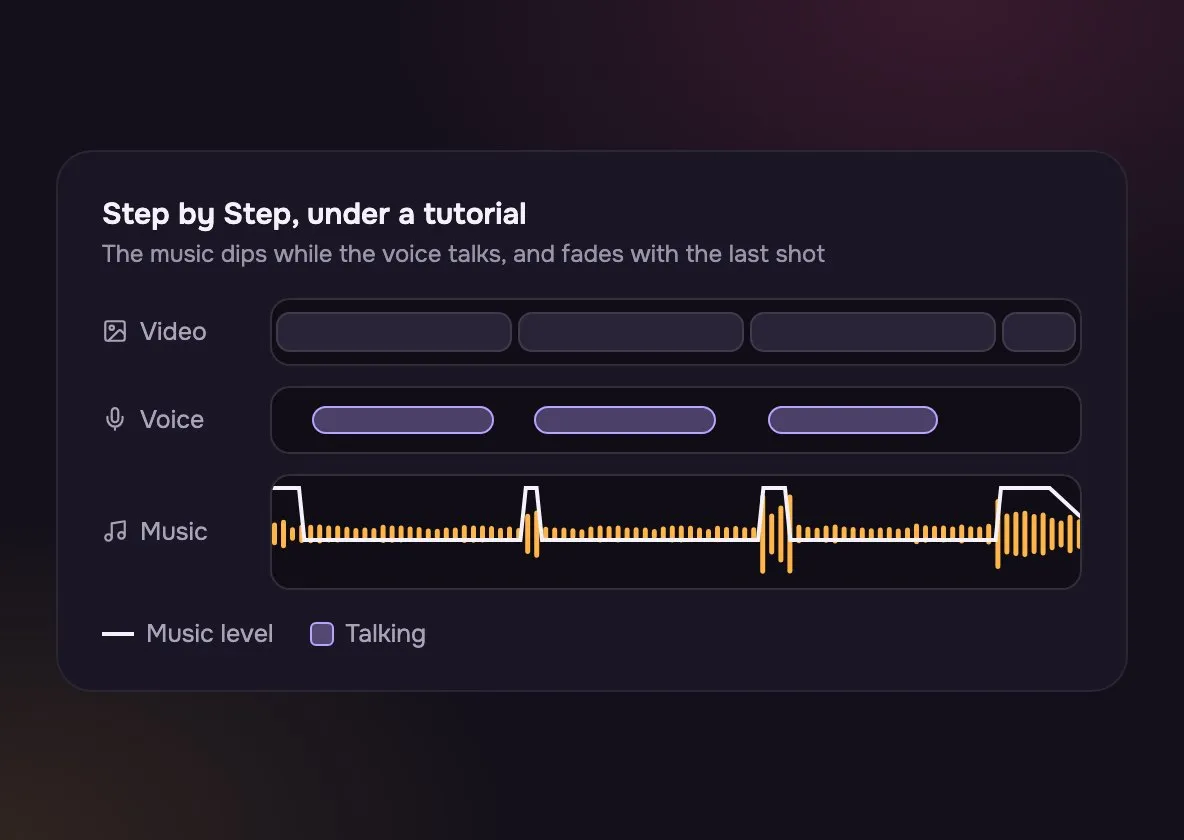
Lower the music in your editor where the voice is, and back up in the pauses.
A plain piano bed leaves the middle of the sound for words.
End the music on the final frame, not mid-phrase.
What you get and how to make it fit.
The same video can want either. It depends on who is talking.
| Minimal | Busy | |
|---|---|---|
| Best under | Minimal: Talking, tutorials, interviews | Busy: Montages and B-roll |
| Words to use | Minimal: “Minimal, soft, no lead melody” | Busy: “Upbeat, driving, catchy” |
| Cuts | Minimal: Slow shots | Busy: Fast cuts on the beat |
| Turned down | Minimal: A little | Busy: A lot, or only between lines |
Same key, very different speed: 152 BPM for quick cuts, 99 BPM for slow pours.
Sunday Kitchen, one run: “warm playful cooking video music, acoustic guitar, light percussion”
Make, try under the footage, trim.
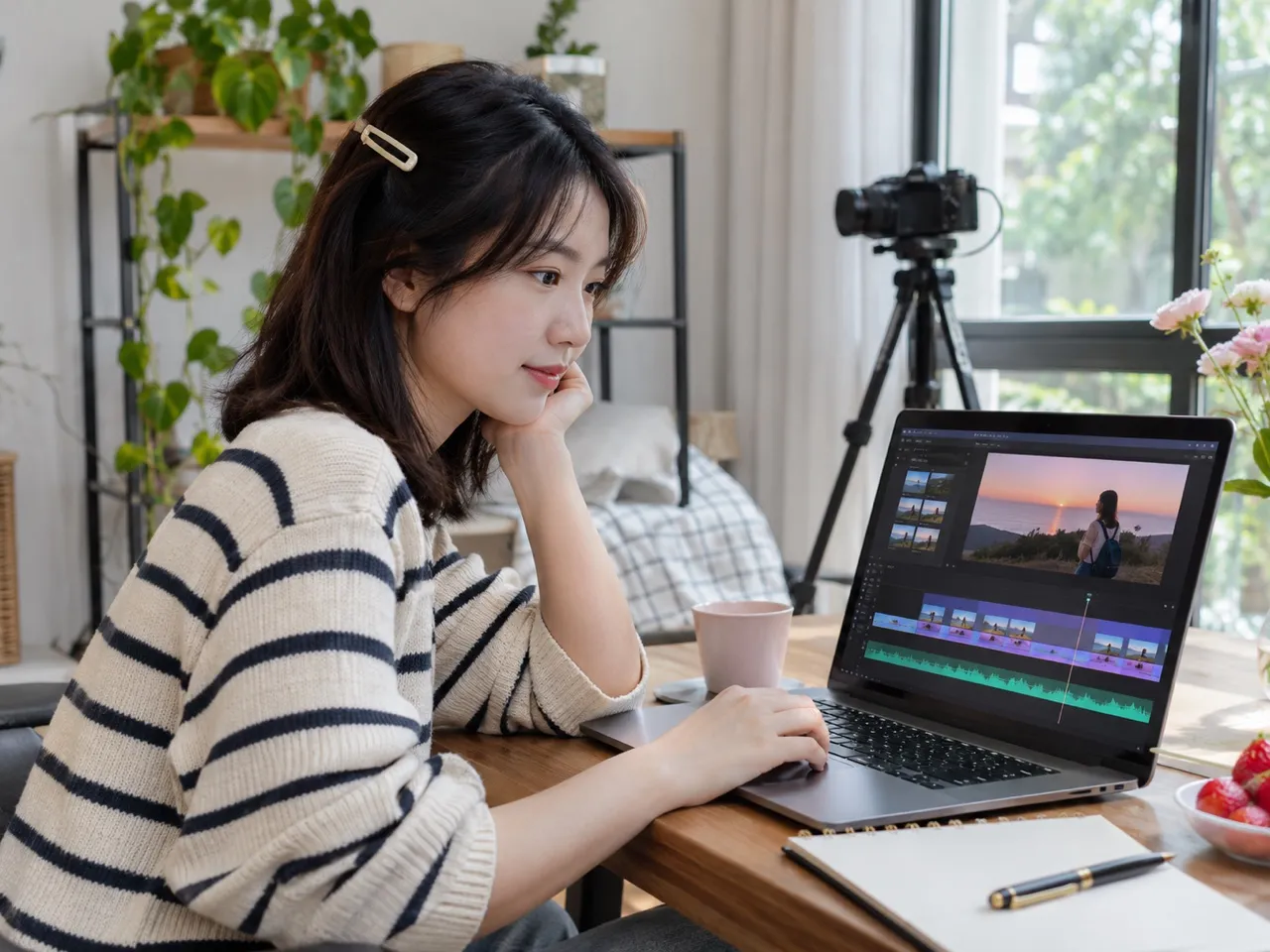
Its type and pace: “calm tutorial, minimal piano” or “fast travel montage”.
Drop each into your timeline and watch a minute with each.
Cut the winner to your video’s length in the Audio Cutter, with a fade-out.
Trips, how-tos, launches and kitchens.
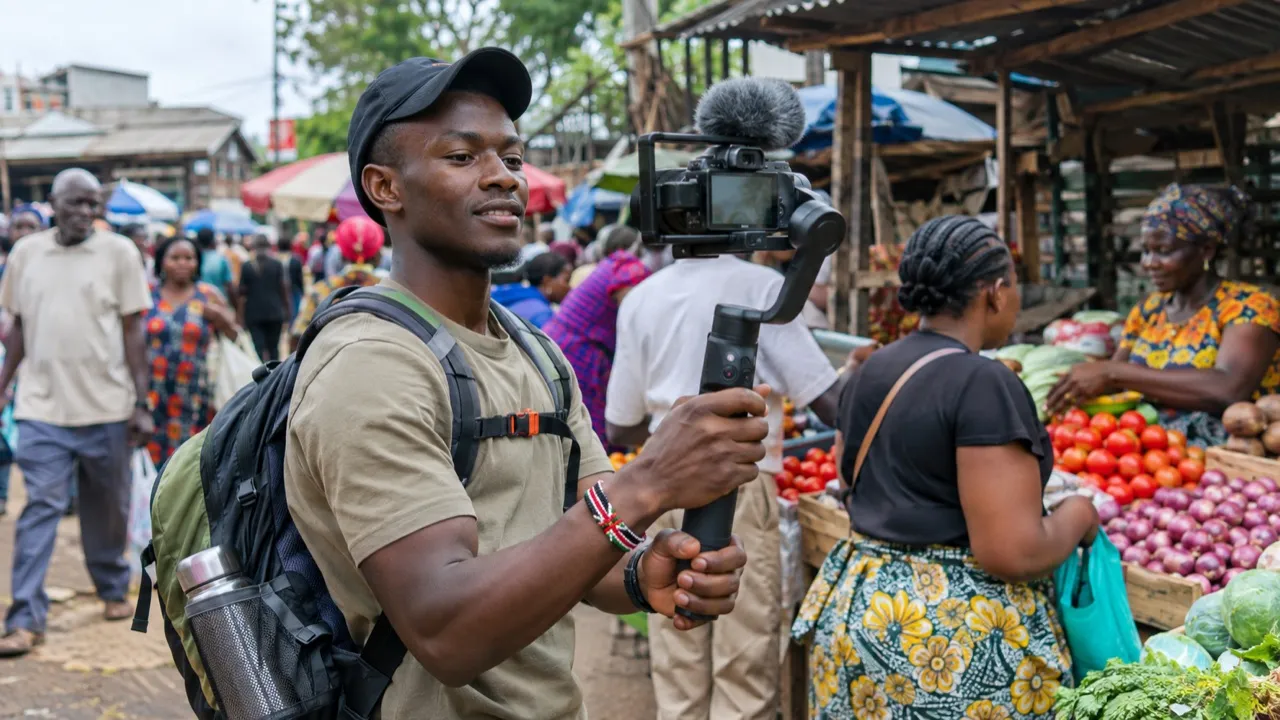
Light plucks under the walking shots.
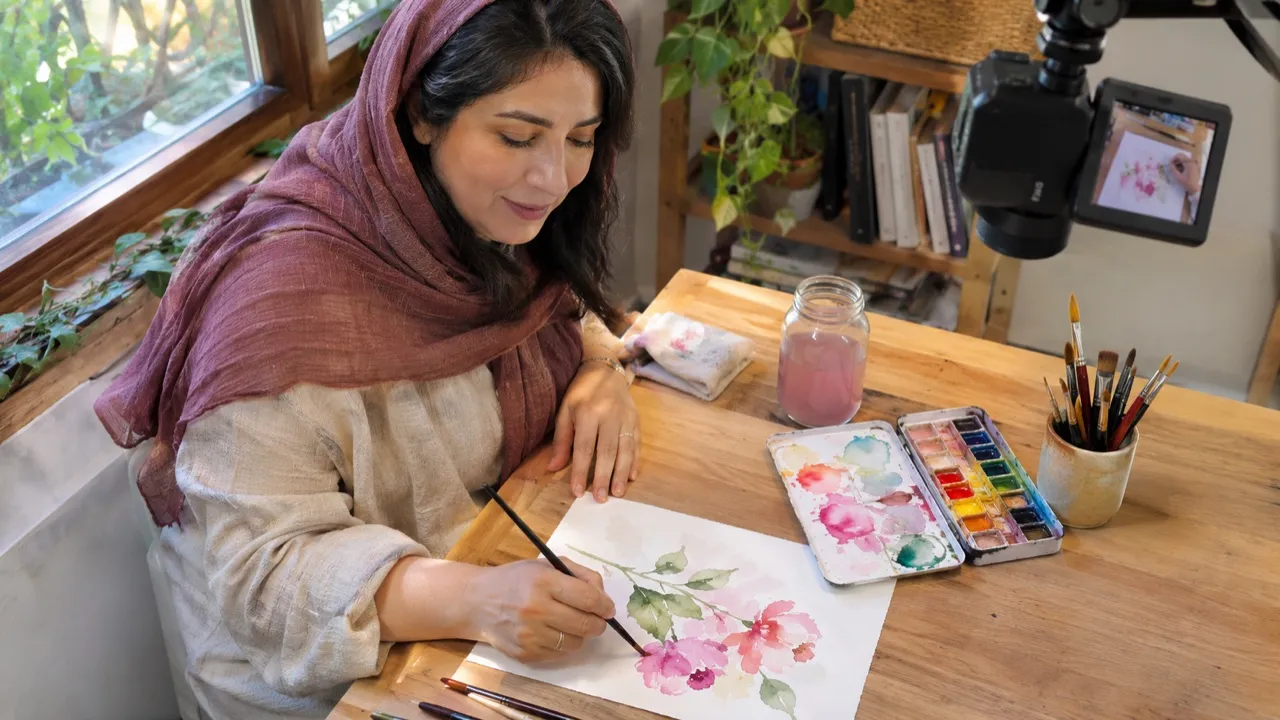
Soft piano that never covers a step.
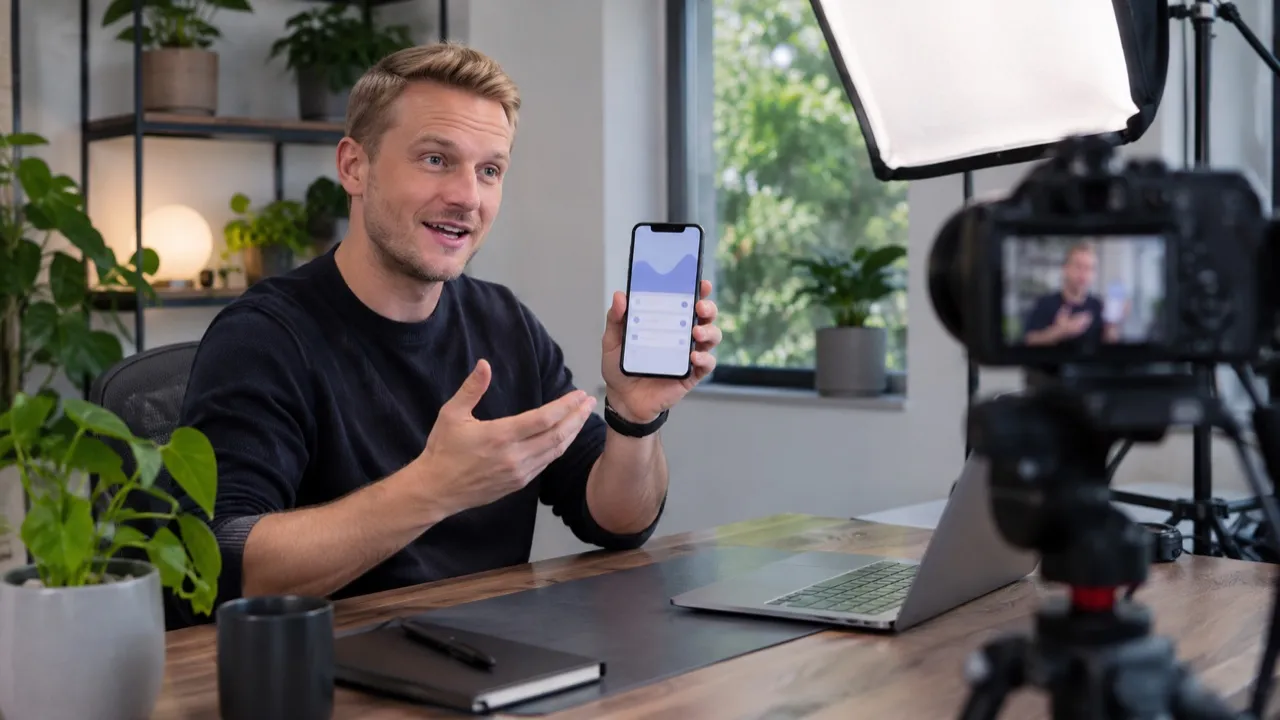
Bright synths for the first look.
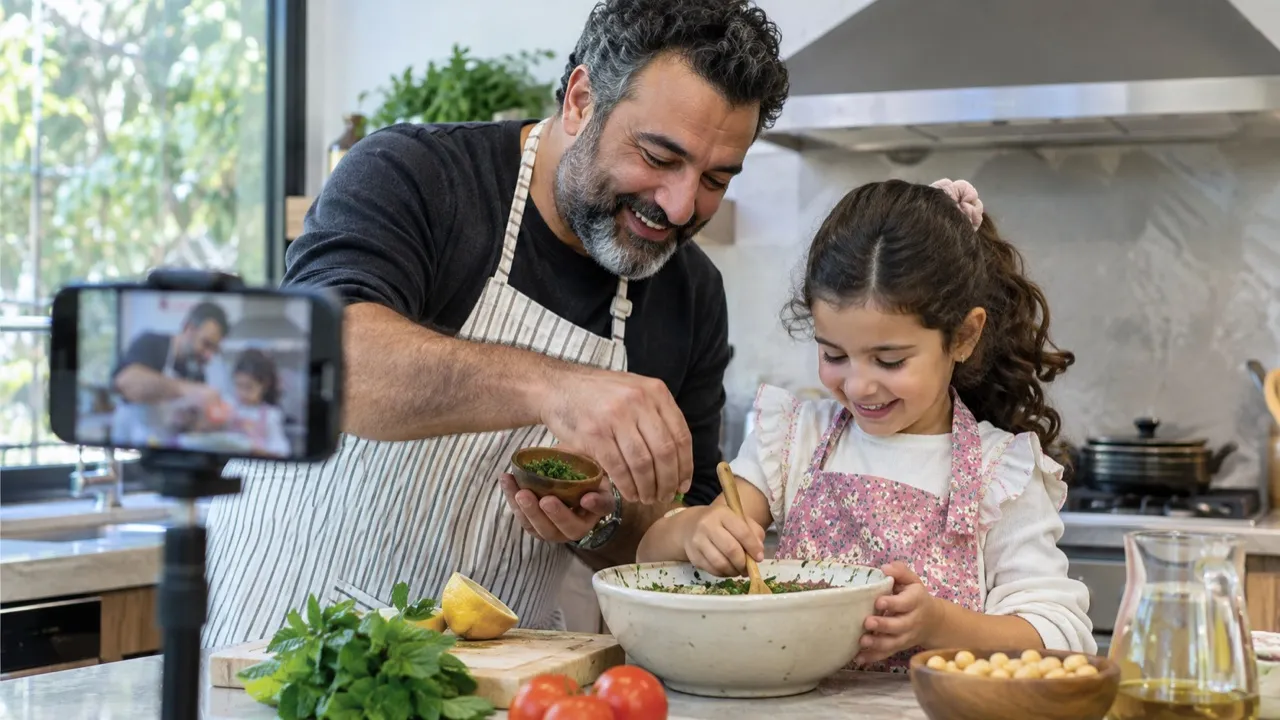
Warm guitar under the chatter.
Yes, tracks made on a paid plan or credit pack can go on all three, monetized channels included. Please don’t register them in Content ID.
Not straight from the generator: the model sets the length, and the four tracks above run 1:09 to 2:20. Download the MP3 and cut it to the second with the free Audio Cutter.
An MP3 that drops into any editor, such as Premiere, Final Cut, DaVinci Resolve or CapCut.
Ask for “minimal” or “no lead melody”, then turn the music down under speech in your editor.
Tracks aren’t made to loop. For a long video, make two or three in the same style and join them with a fade.
Warm and playful, with acoustic guitar and light percussion, like “Sunday Kitchen”. Its two takes ran at 152 and 99 BPM, so pick the pace of your cuts.
Write “slow”, “steady” or “upbeat” in the description, then measure the track with the free BPM Finder and cut on the beat.
Not covered here.Ask us something else
Two takes to try under your footage.
Two free songs, no account needed.