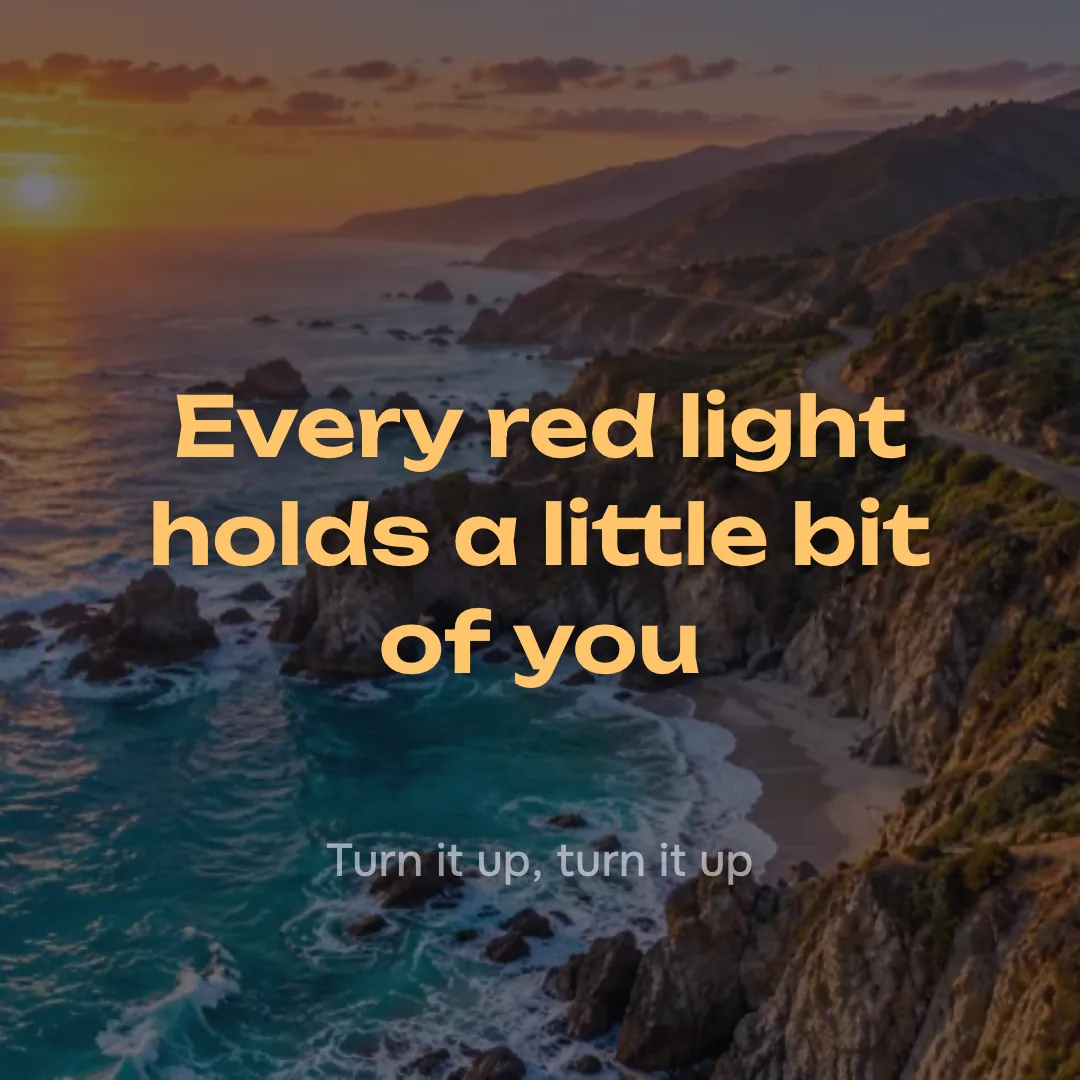
The line being sung
Large and bright, broken onto new rows by whole words so nothing runs off the edge.
Add a song and its words. Each line shows on screen as it is sung, over your picture, and the video is recorded right in your browser.
Open an MP3 or WAV, or pick a song you made here. Paste timed lyrics (.lrc or .srt), or paste plain lines and tap the space bar as each one starts. Choose square (1080×1080), wide (1280×720) or tall (720×1280), press Record and the song plays through once while the video is made. It is free, needs no account, and the song never leaves your device.
Drop an audio file here or
MP3, WAV, M4A or FLAC, up to 20 MB
Three frames the maker drew from one song, one at each size.
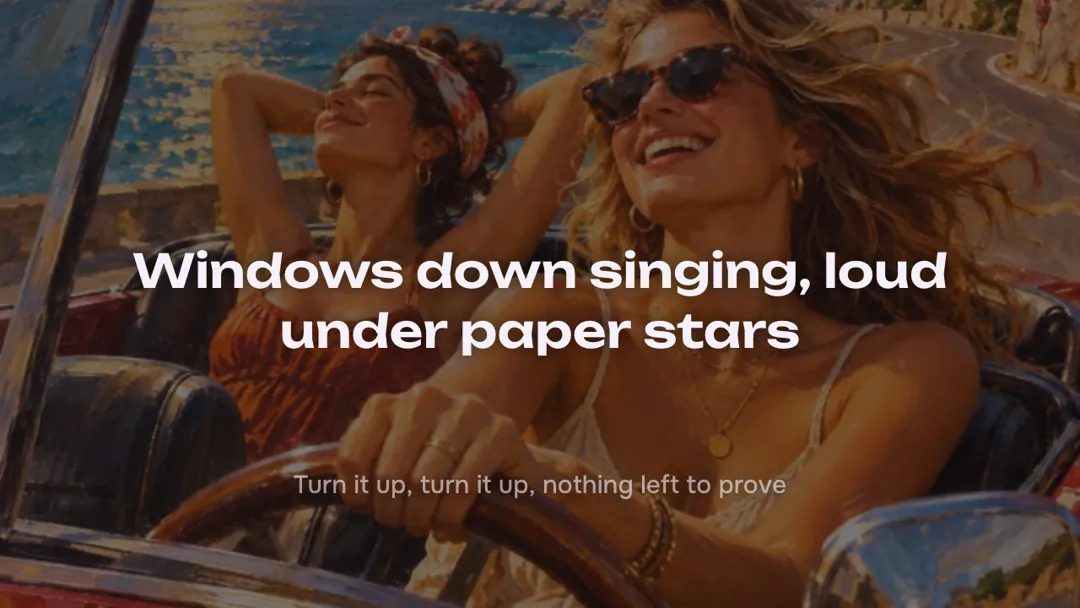
For YouTube and for playing on a TV at a party.
For Reels, Shorts and TikTok, with room for the app’s buttons.
For a feed post, where it fills the whole tile.
Two of the frames the maker drew while the test song played.
Large and bright, broken onto new rows by whole words so nothing runs off the edge.
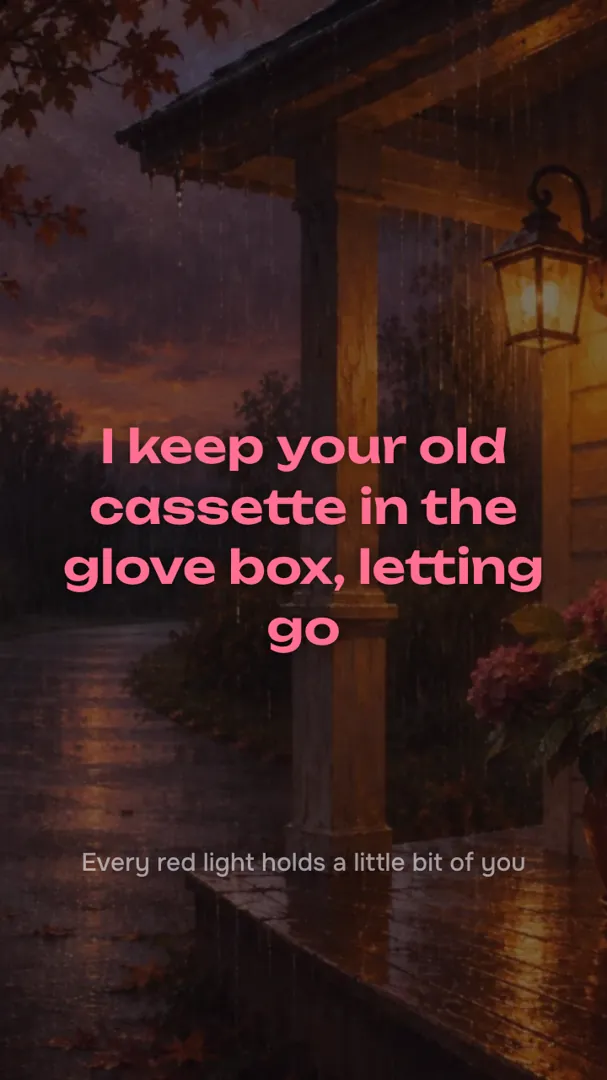
The line that comes next sits small near the bottom, so viewers can sing along a beat early.
What goes in, what comes out, and what it costs.
About as long as the song itself.
Pick a file, or a song from your library. Its own cover comes with it.
Paste an .lrc or .srt, or press Start tapping and hit space as each line begins.
Watch the preview, press Record, and download the video when the song ends.
Yes. The video is drawn and recorded by your browser, so it costs us nothing and you need no account.
Paste a timed .lrc or .srt file and the lines follow its times. With plain lyrics, press Start tapping and hit the space bar each time a new line begins.
Some browsers record only WebM. Chrome, Edge and Safari can record MP4 in their newer versions; YouTube takes either.
Yes, any MP3 or WAV on your device that you have the right to post. It stays on your device.
Yes, until the song ends. The video is recorded while it plays, so leave the tab in front.
Not covered here.Ask us something else
Describe it or paste lyrics. The song comes back with its words, ready to tap in.
Make a songTwo free songs, no account needed.