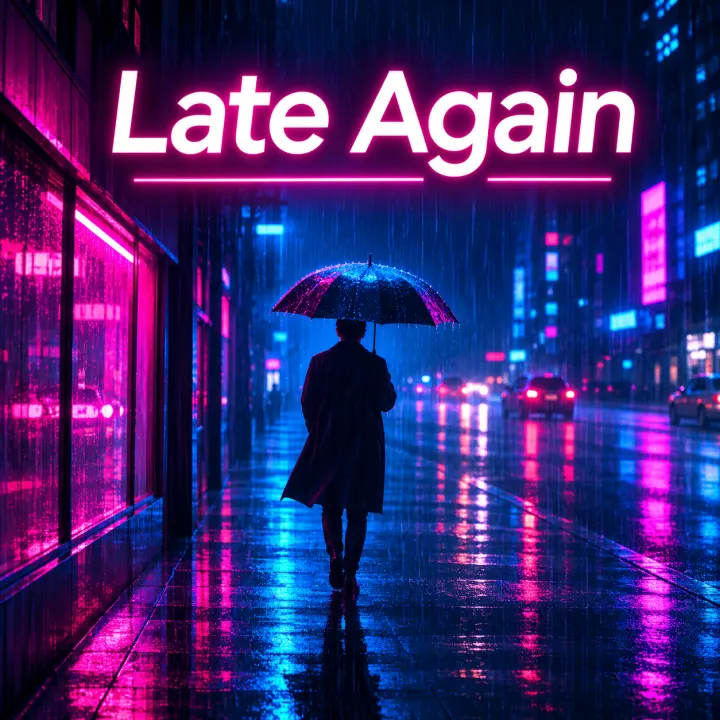
Neon
“A rain-soaked city street at night, a lone figure under an umbrella.” The title glows like a sign.
Describe the picture and pick a look. A square cover comes back with your title set on it, or clean, and can become your song’s cover in one step.
Write what’s on the cover, pick photo, illustrated, painted, retro, neon or minimal, and type a title or leave it empty. Each cover uses 2 credits, so the free daily credits cover a few; ours took 26 to 48 seconds each. Pick one of your songs and the new picture becomes its cover. Covers leave out real people, brands and logos.
Describe places, moods and things, not real people. Names of artists are left out of the picture.
One prompt each, with the title typed in. These are the covers exactly as they came back.
“A rain-soaked city street at night, a lone figure under an umbrella.” The title glows like a sign.
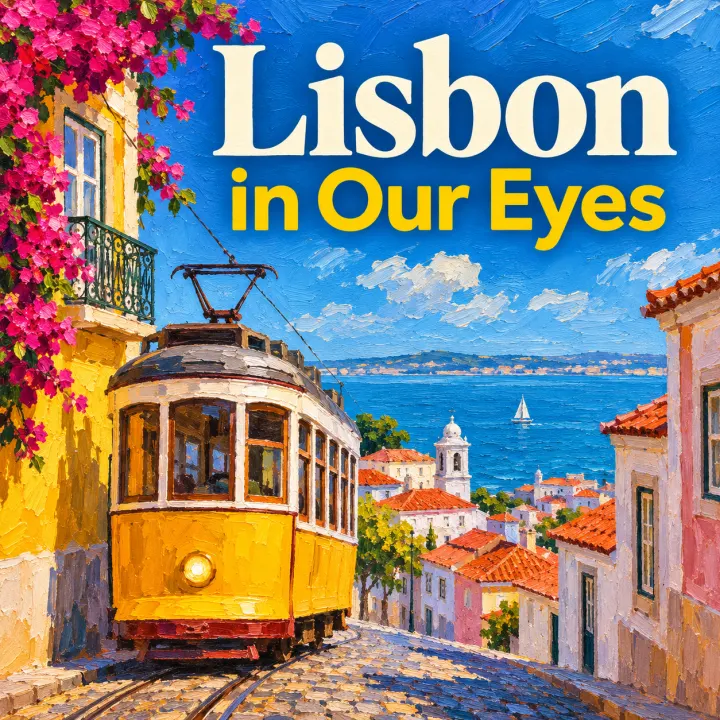
“A yellow tram climbing a sunny hill with the sea behind.” The title alone made it Lisbon.
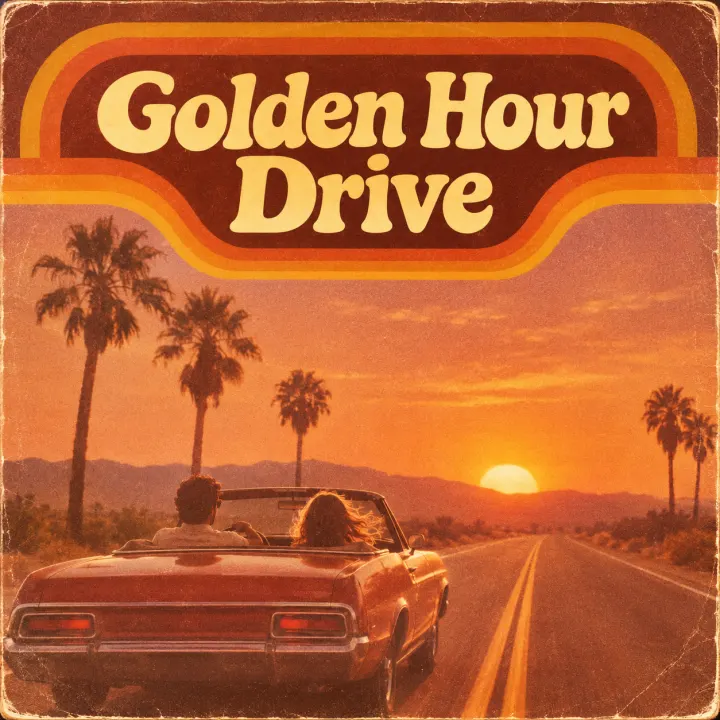
“A convertible on a desert highway at sunset, palm trees”, with grain and faded colour.
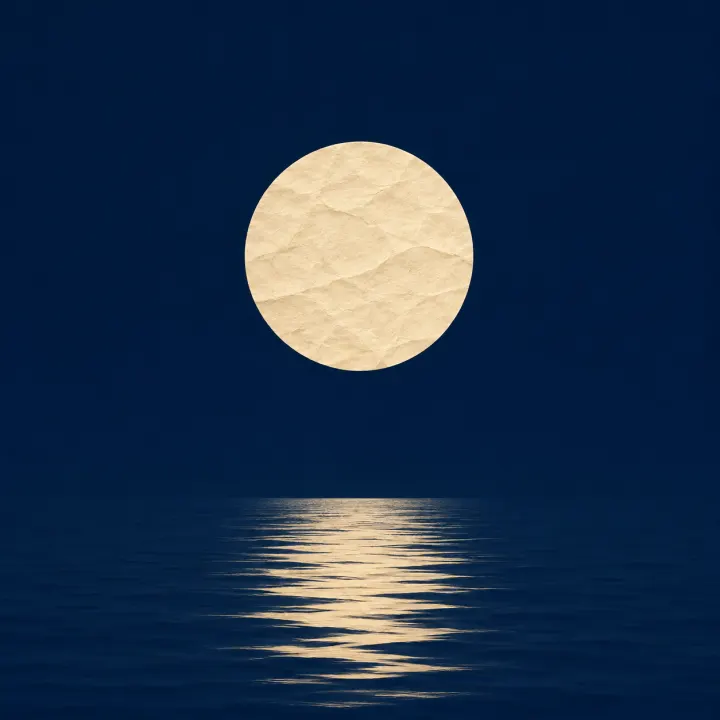
“A single paper moon over calm water”, with the title left empty: no letters at all.
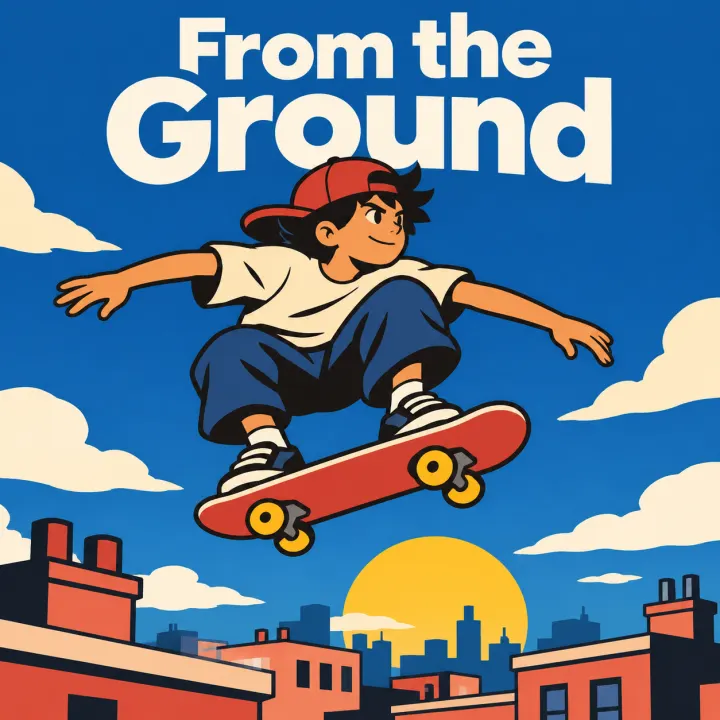
“A kid on a skateboard flying over a city of rooftops”, in flat bold colour.
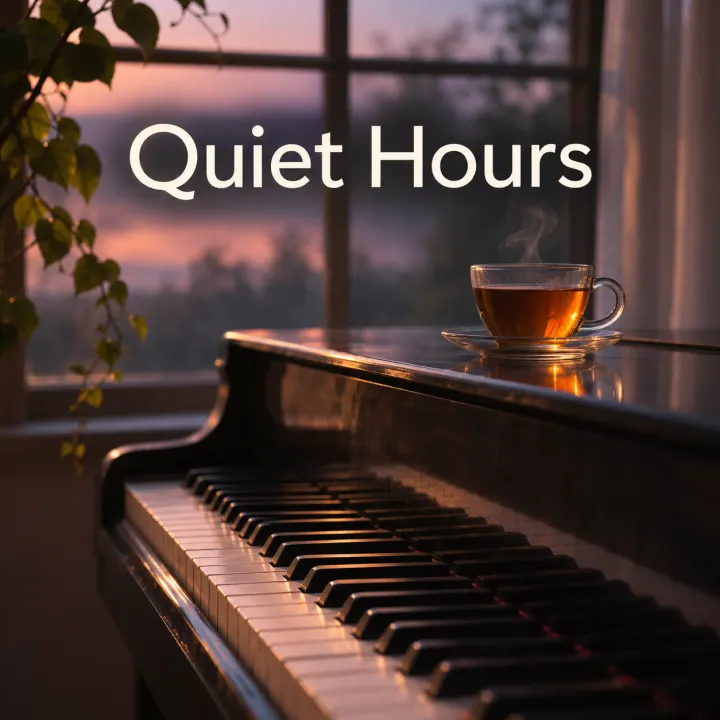
“Piano keys in window light at dusk, a cup of tea on the lid.” Steam and all.
Measured on the six covers above.
One picture, used everywhere the song shows up.
Pick the song before you make it, or open “New cover art” from the song’s menu.
The cover becomes the background of the free video makers.
Square art fits release forms, playlists and a feed tile.
Under a minute from idea to cover.
A place, an object, a mood. Leave out people you know and famous faces.
Six looks. Type the title to set it on the cover, or leave it clean.
Download it, or choose a song and the cover changes there too.
2 credits each. The free daily credits are enough for a few covers; if one fails, its credits come back.
In our tests, yes: all five titles came out letter for letter. Check yours before you publish all the same.
You can use covers you make here on your songs, posts and streaming releases.
No. Covers are made without real or famous people, brands or logos. Describe a scene, an object or an invented character.
Yes, every song comes with one. Use this tool when you want a different picture or your title on it.
Not covered here.Ask us something else
Describe one and get two full songs, each with its own cover.
Make a songTwo free songs, no account needed.