Extend a song with AI
Pick a song you made here and the second it should carry on from. Add the next verse or let the music play on, and get two longer versions.
Choose one of your songs, play it and stop where the new part should start, then add lyrics or leave them empty. In about a minute you get two versions, each the whole song with the new part on the end. It costs 10 credits. To fix one part instead, Replace part sings 10 seconds up to half the song again with new words, for 5 credits. The original is never changed.
- 10 credits to extend, 5 to replace a part
- Your own songs from here
- The original stays as it was
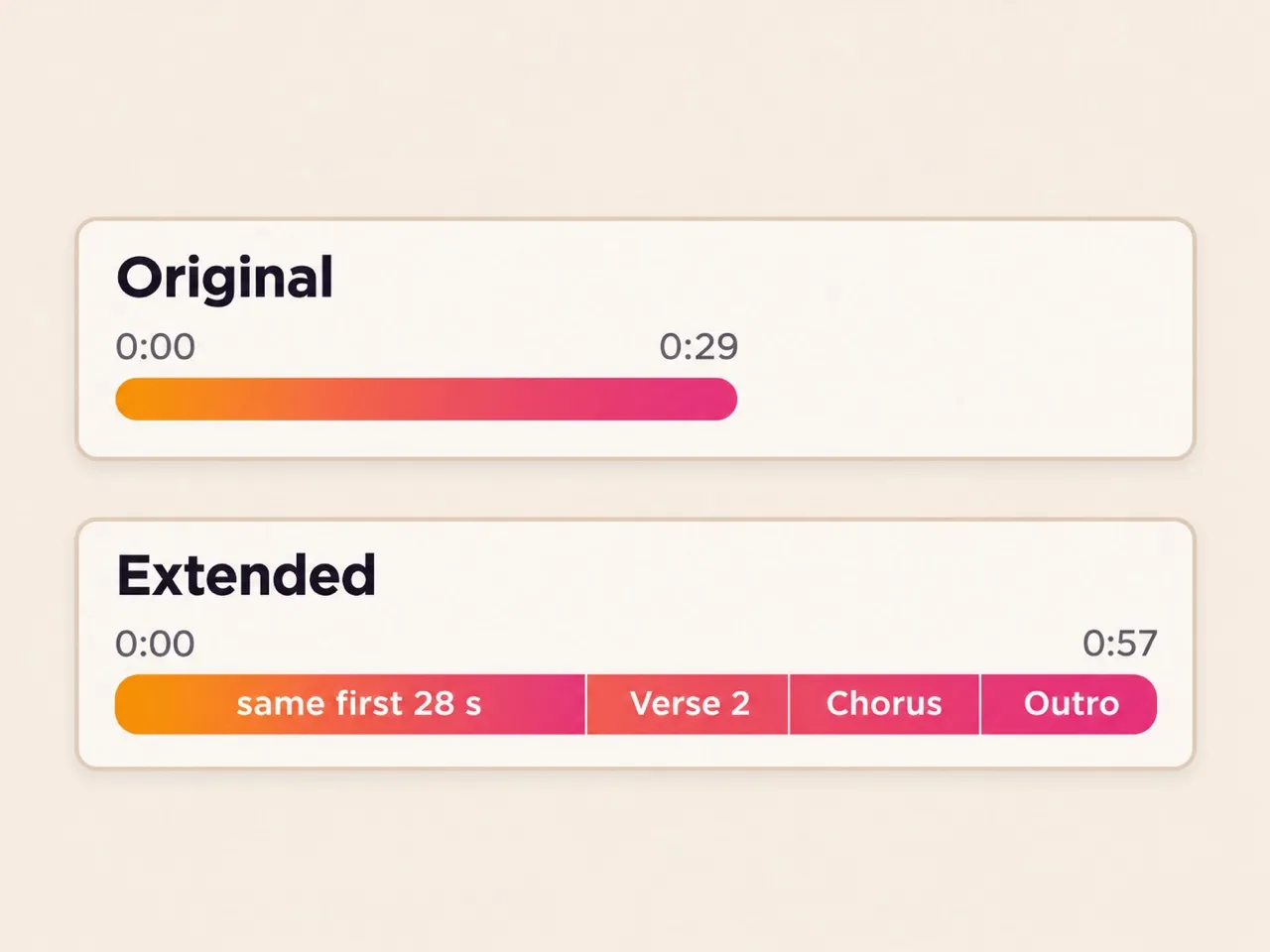
A 29-second song, carried on to 57
“Thirty Seconds”, extended from 0:28 with a second verse and the chorus again.
The whole song back
Each take is the original up to 0:28 and then the new part, not a clip to glue on.
Your new words sung
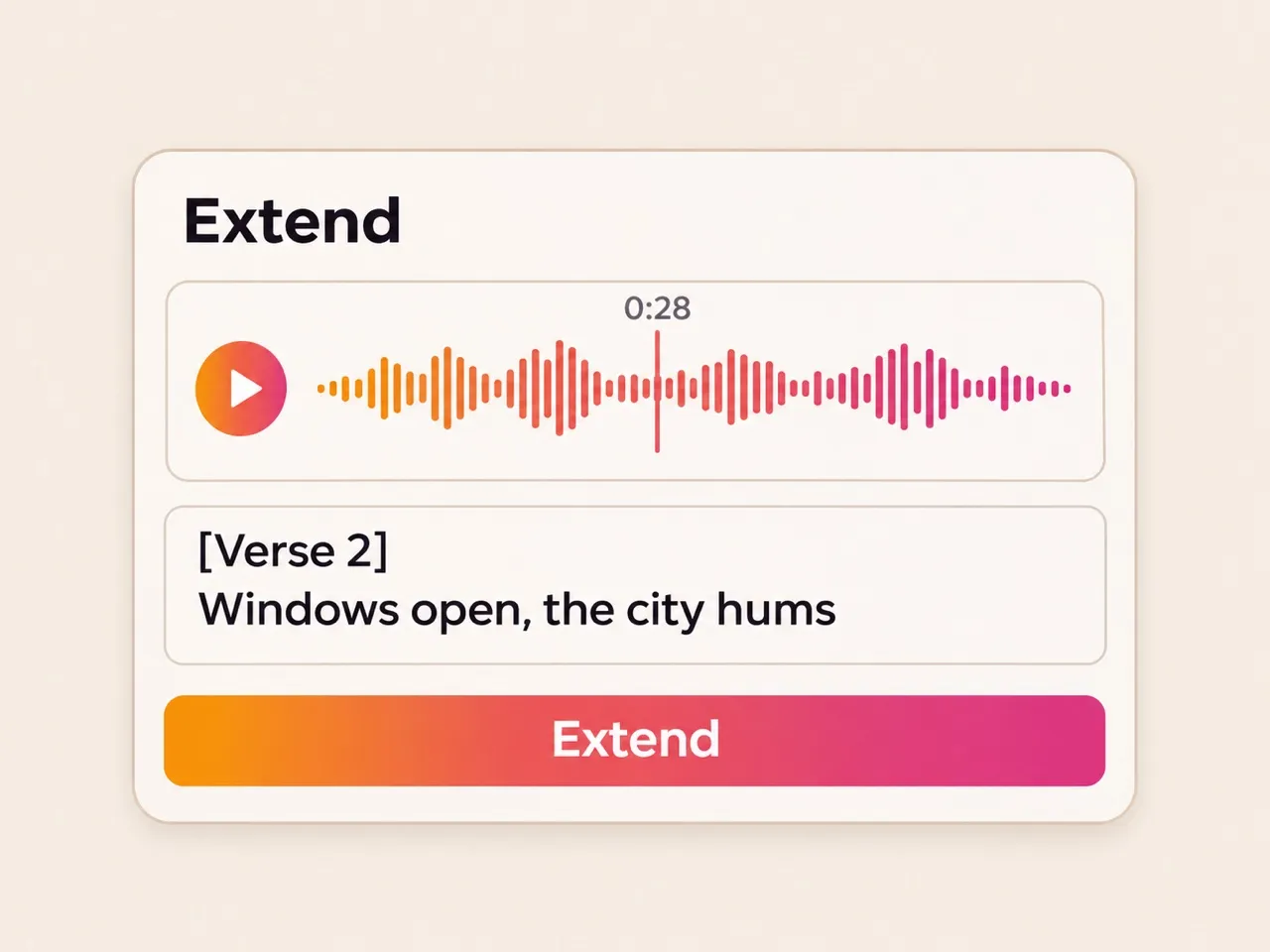
“Windows open, the city hums” and the chorus again: 85% of the new words heard back as written.
Two takes in 59 seconds
One ran 57.4 seconds, the other 58.0. Keep the one you like.
Replace part: sing one stretch again
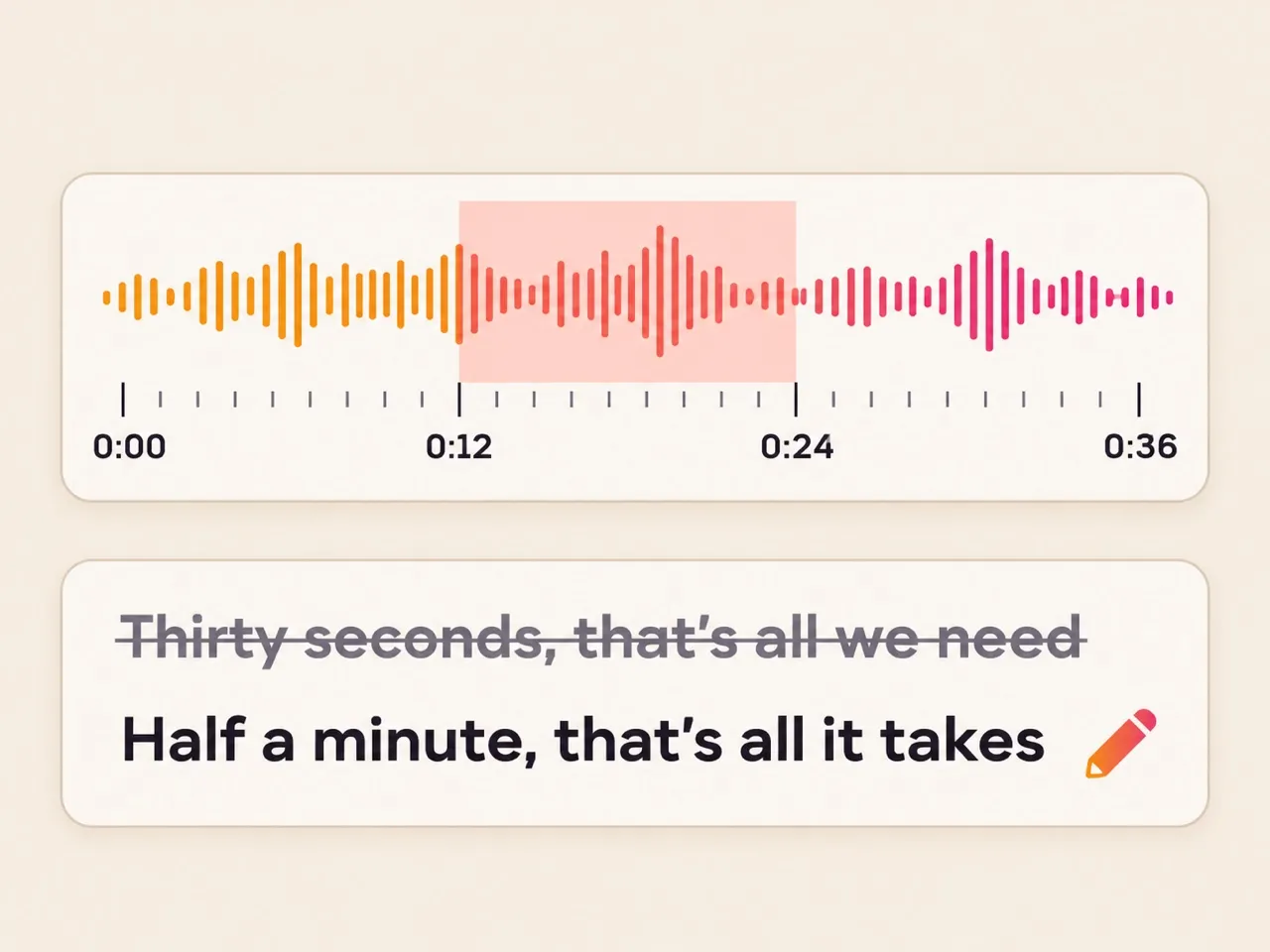
The same song with 0:12 to 0:24 sung with a new chorus, the rest left as it was.
10 seconds to half the song
Drag the start and the end over the part to change.
The new chorus heard
“Half a minute, that’s all it takes”: 85% and 100% of the words came back as written in the two takes.
Listen before you keep it
Both takes in our test also came back longer than the original, so play them through.
Extend and replace at a glance
What each one takes, gives and costs.
- Works on
- Songs you made here with singing or without
- Extend from
- Any second of the song, or its end
- Replace
- 10 seconds up to half the song, with new words
- You get
- Two new songs in your library; the original stays
- Time
- About a minute (59 seconds in our tests)
- Cost
- 10 credits to extend, 5 to replace
How to make a song longer with AI
From a short idea to a song that fills the video.
- 1
Open the song
Pick it in the list above, or open its menu in Create or your Library.
- 2
Choose the second
Play it and stop where the new part should begin, or keep the end.
- 3
Write on, or play on
Add the next verse and chorus, or leave the words empty for more music.
Questions about extending a song with AI
Can I extend a song I didn’t make here?
No. Extend and Replace part work only on songs made here, because the song maker carries on its own songs. To use an outside song, try a cover instead.
How long does the extended song get?
About as long as the new part needs. Our 29-second test song came back at 57 and 58 seconds after one extend from 0:28. Extend again to make it longer.
Does extending change my original song?
No. The two new versions are added to your library as new songs, and the original stays as it was.
What does it cost to replace a section of a song?
5 credits for two takes. If the run fails, the credits come back.
Can I extend an instrumental?
Yes. Leave the lyrics empty and the music carries on in the same style.
Not covered here.Ask us something else
Start a song worth extending
Describe it or paste lyrics, and get two full songs to carry on from.
Make a songTwo free songs, no account needed.