Extend a song or fix one part
Keep what works, add what is missing, and change only the line that is off.
Open a song's menu in your Library. Extend carries the song on from a point you pick with new lyrics (10 credits, 2 new versions). Replace a part rewrites a stretch of 10 seconds up to half the song while the rest stays as it was (5 credits).
- 1
Open the song menu
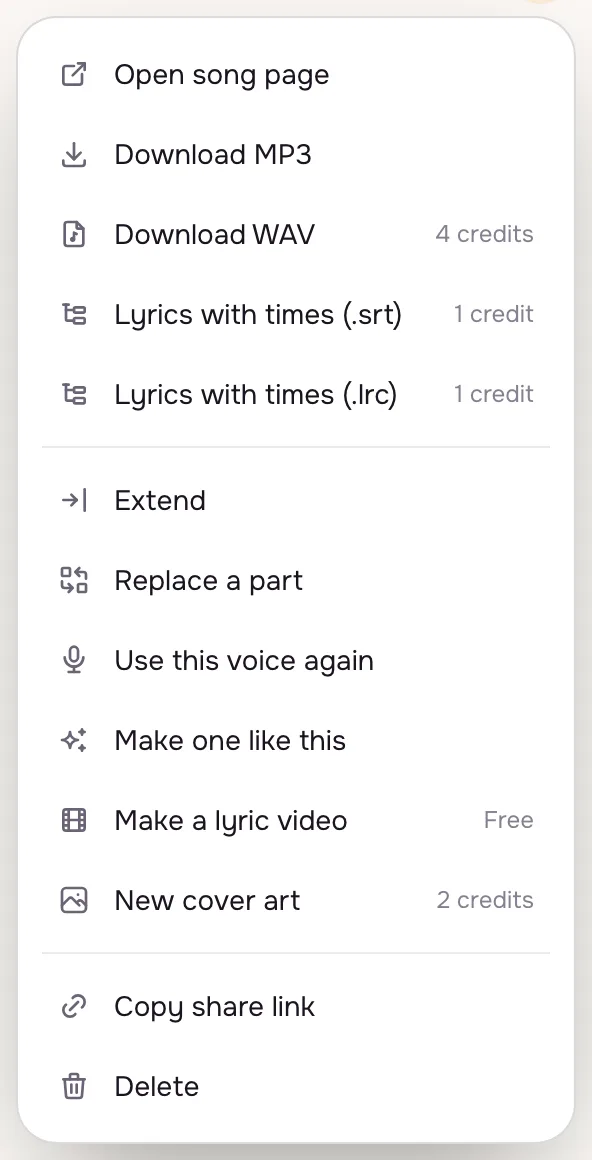
Every song in your Library and on the create page has a menu. Extend, Replace a part, WAV, timed lyrics and Use this voice again sit there, each with its cost next to it.
- 2
Extend with a new verse
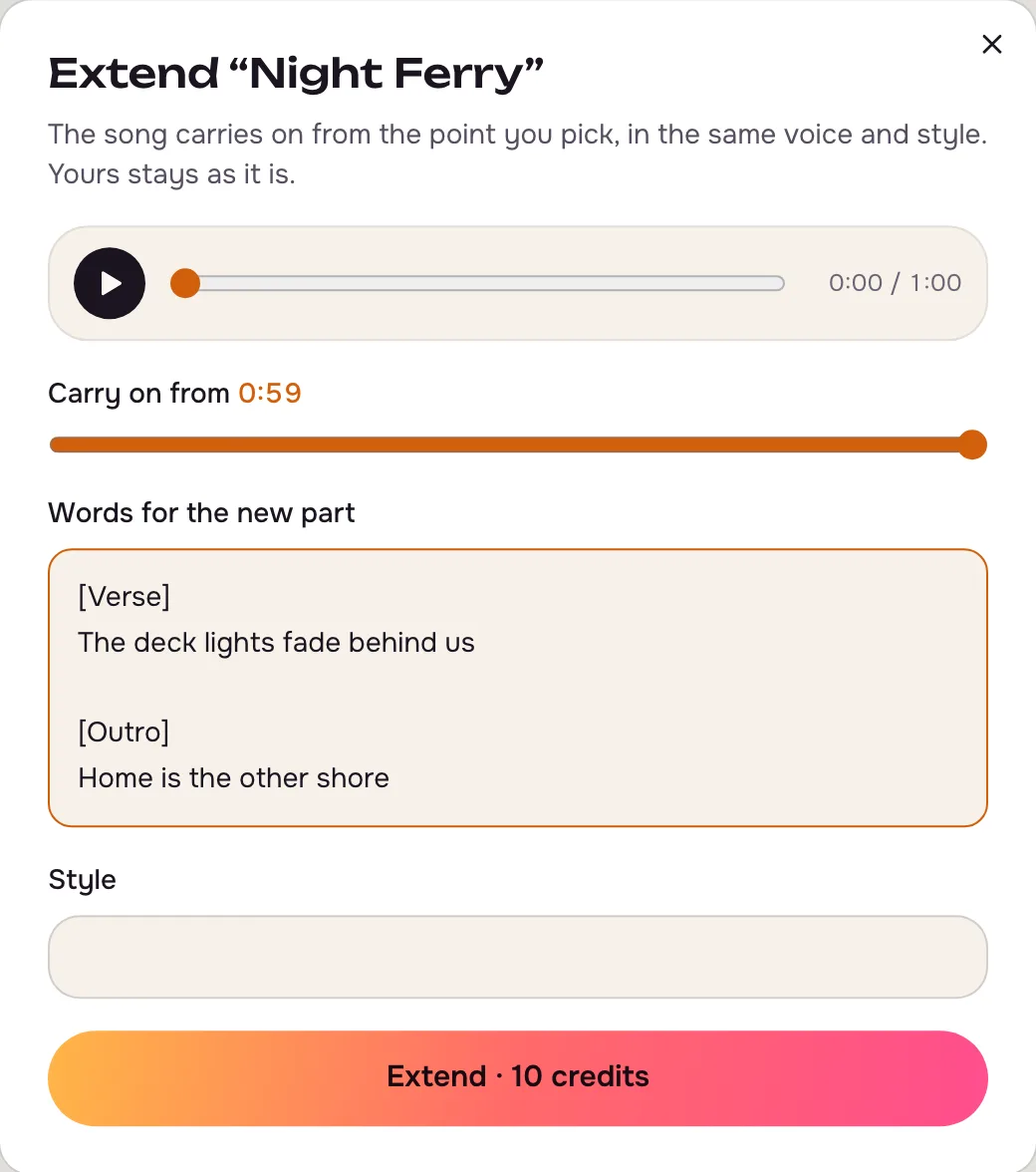
Set Carry on from (or play the song and use the playhead), then write the words for the new part, such as a last verse and an outro. Two new versions carry on in the same voice and style; the song you started from stays as it is.
- 3
Replace only the part that is off
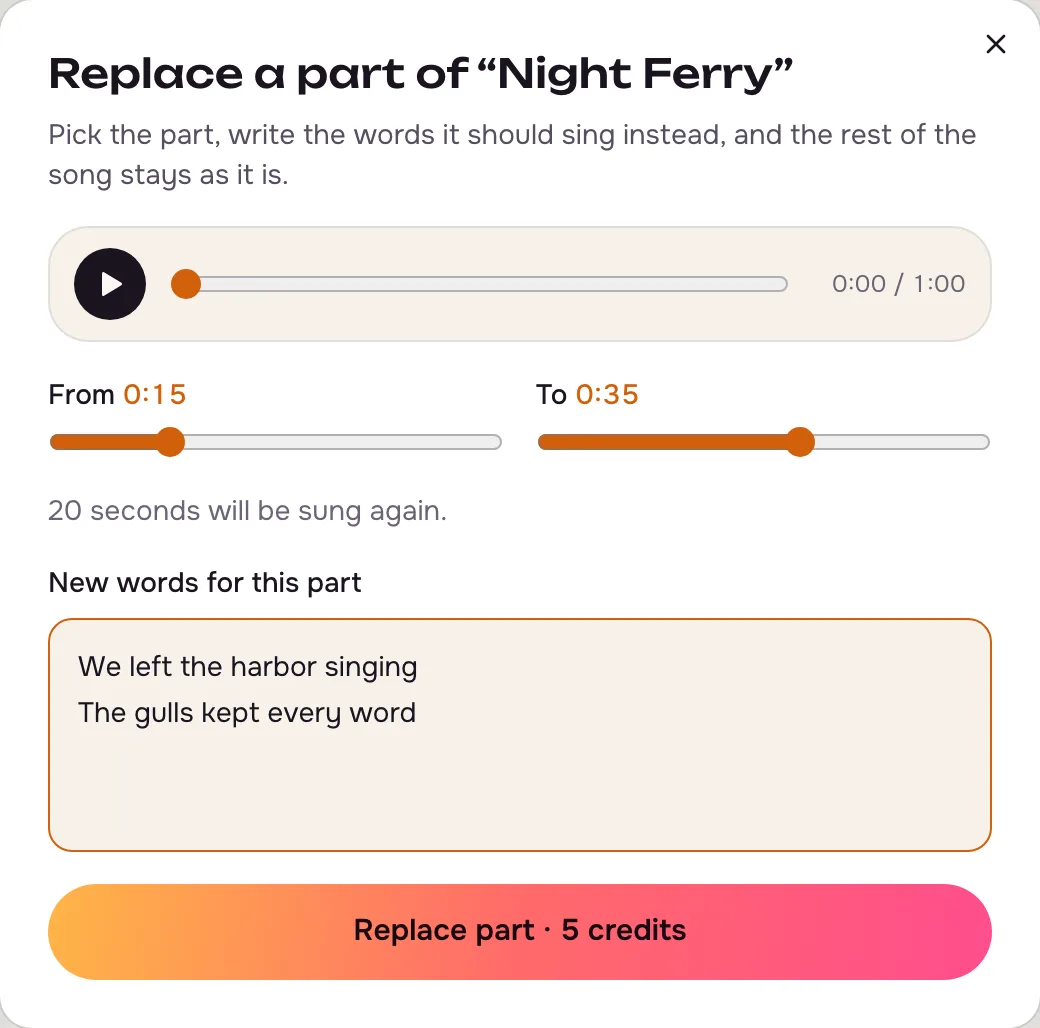
Set the start and end sliders around the line you want to change and type the new words. The part must be at least 10 seconds and at most 50% of the song, so songs shorter than 20 seconds can't be patched this way.
Tips that make a difference
- Start an extension on a beat
Starting just after a chorus ends gives the smoothest join.
- Replace a little more than the line
Taking in a second either side lets the new words land in time.
- Keep the original
Edits make new songs; the one you started from stays in your Library.
Questions
Which songs can I extend or patch?
Songs you made here with vocals or as instrumentals. Covers and uploaded files are not editable.
Can I get a WAV file?
Yes, from the same menu: 4 credits, free on the Pro and Studio plans.
What are timed lyrics?
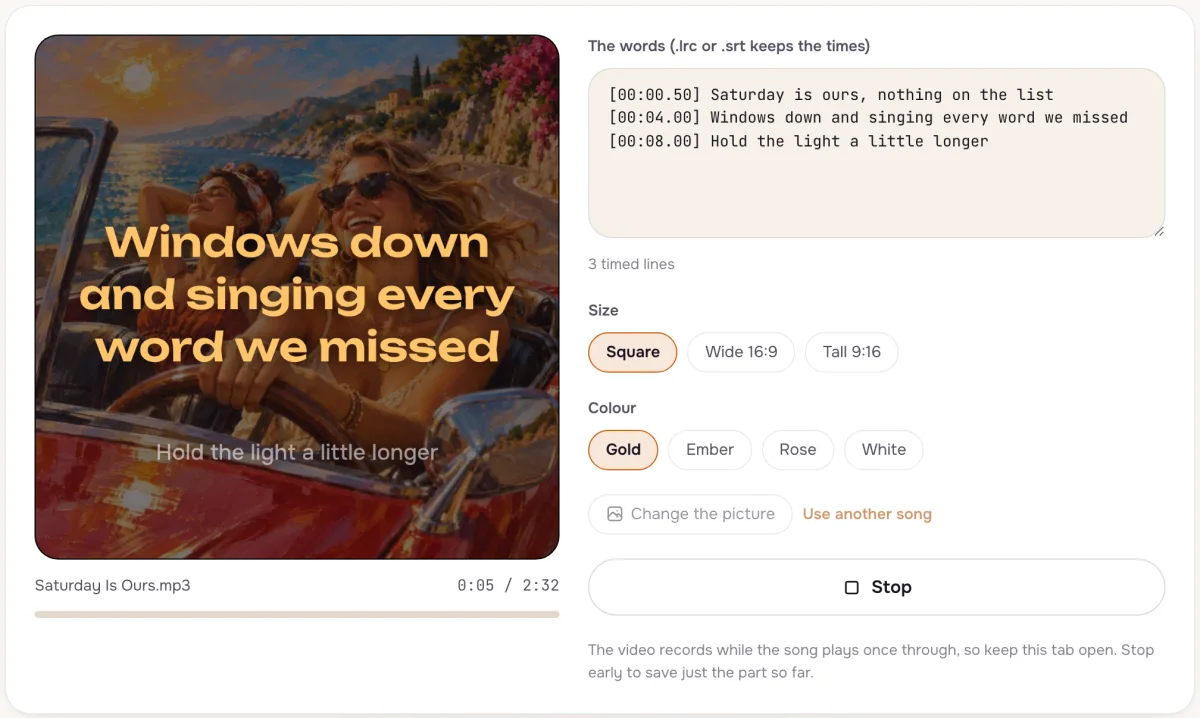
Lyrics with the time each line is sung, as .srt or .lrc files for videos and players. 1 credit the first time for each song.
Not covered here.Ask us something else
Try it now
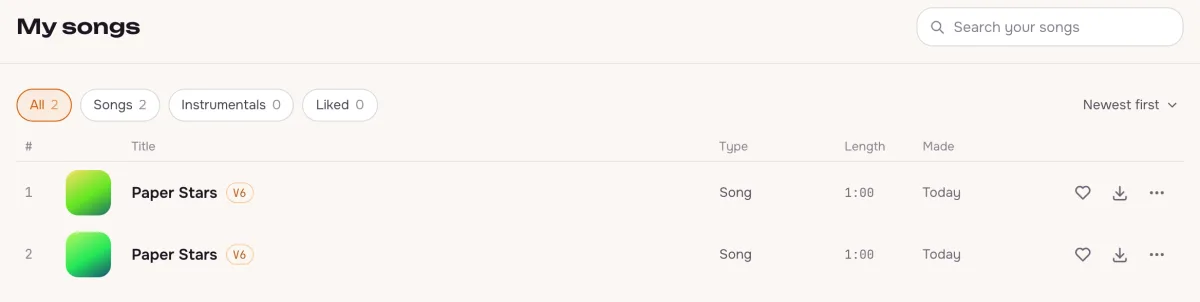
Make a song longer with a new verse, or rewrite one line without losing the rest. Extend costs 10 credits and replacing a part 5.
Open your songs