Cover a song or get its words
Hear your demo as jazz, punk or a ballad, or read back what is sung.
On the cover page, upload a song or demo of up to 8 minutes and describe the new style. V6 Cover makes 2 versions for 10 credits; MiniMax Cover makes one for 20. To get the words of any song instead, the lyrics extractor writes them out for 1 credit.
- 1
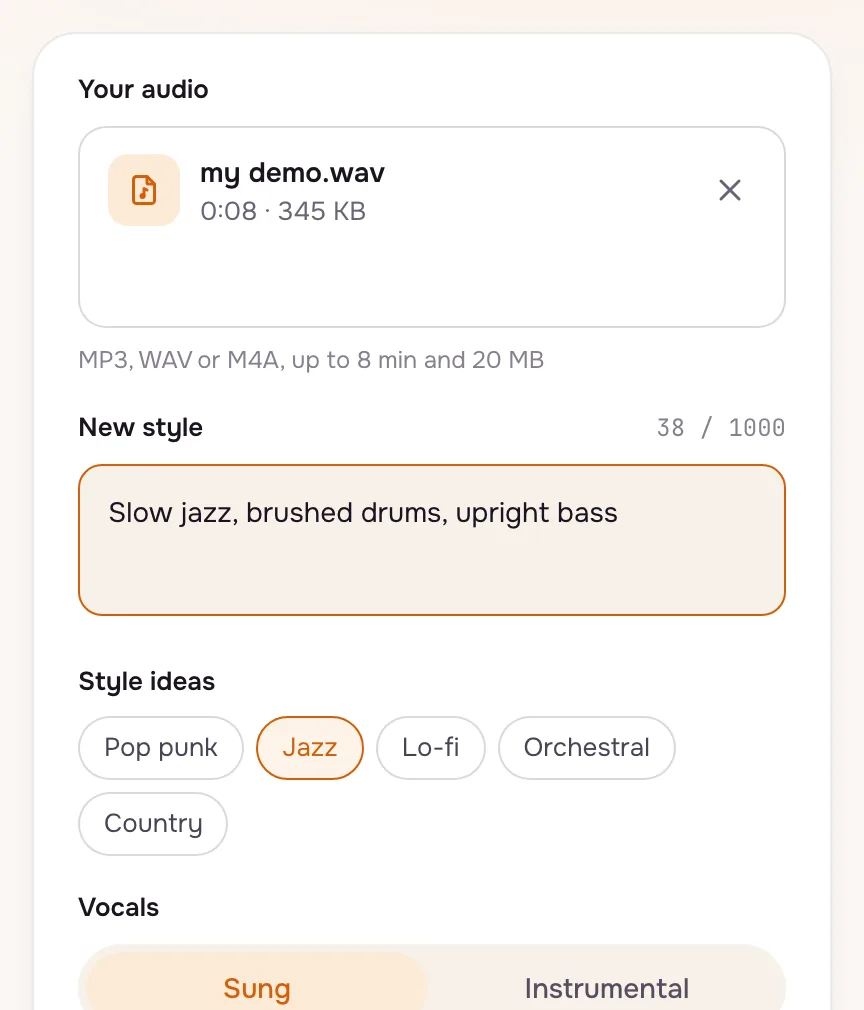
Upload and describe the new style
Drop your file and say how it should sound now: the genre, the drums, the instruments. The melody is followed; the sound around it changes.
- 2
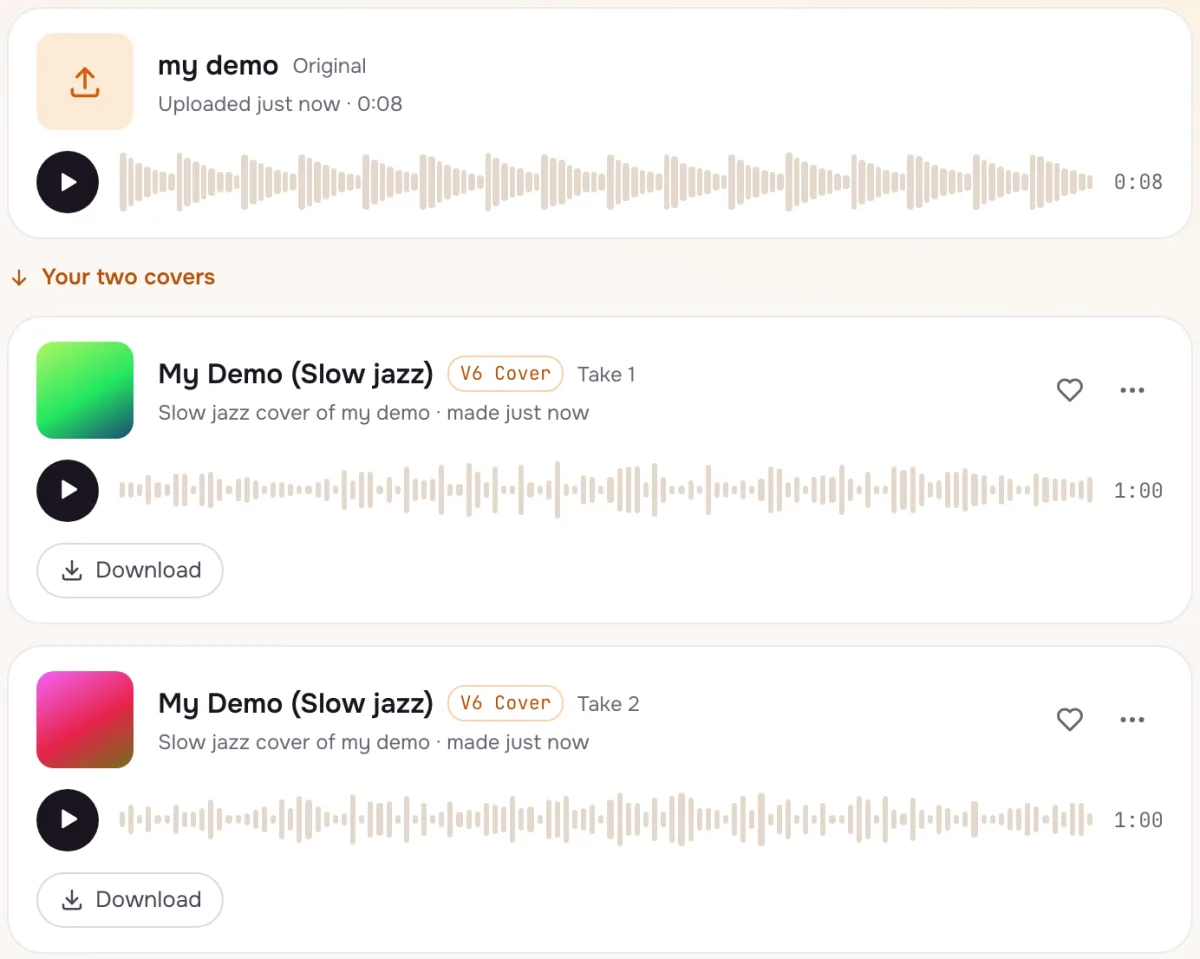
Play the versions
The cover run shows its songs just like a normal run, with the same menu to download or share. Not the sound you wanted? Change the style words and run it again.
- 3
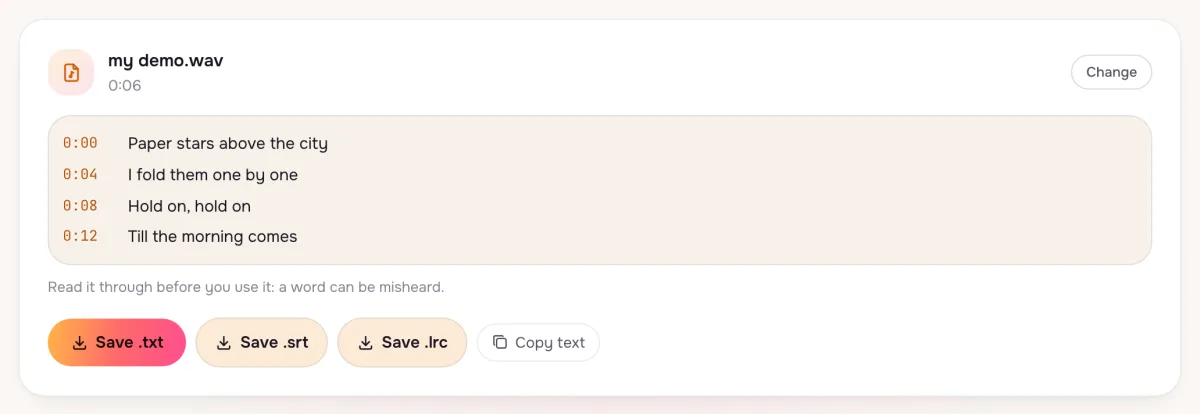
Get the words of any song
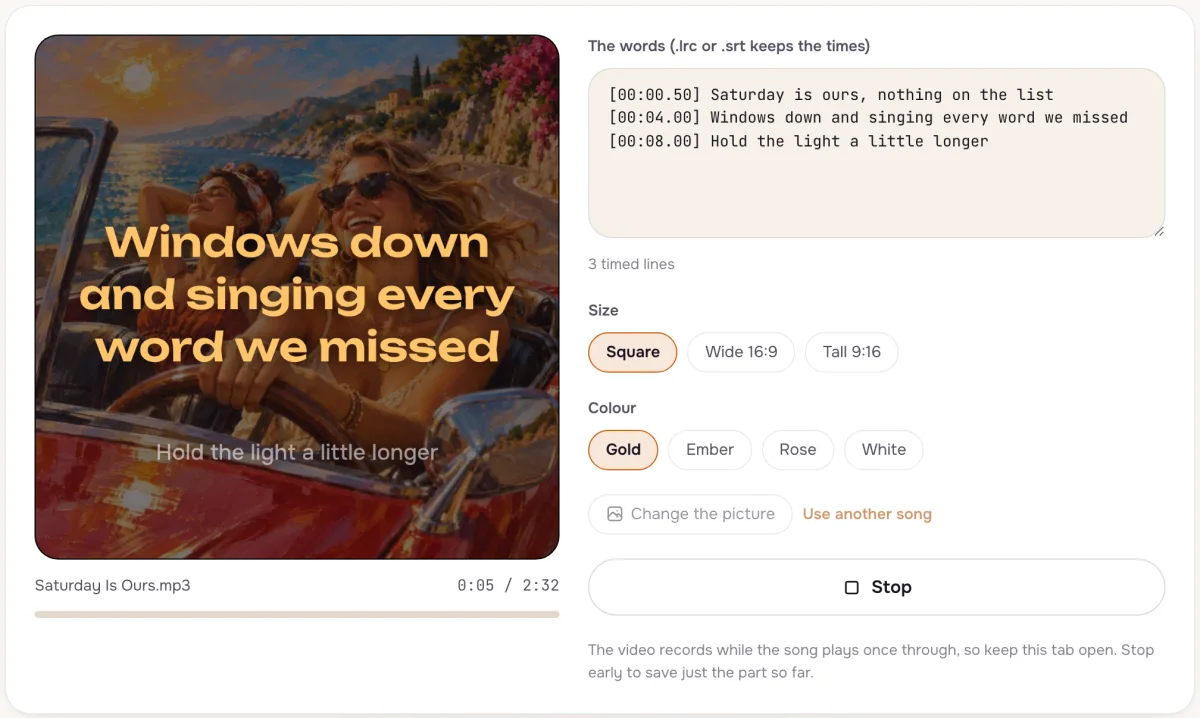
The lyrics extractor listens to an upload and writes out what is sung, line by line, ready to copy or download as a timed file for a lyric video.
Tips that make a difference
- Hum it first
A phone recording of you humming is enough to start a cover.
- Name the drums
Brushed drums, a drum machine or no drums changes a cover more than the genre word.
- Check the words
Extracted lyrics are a draft; fix names and slang before you use them.
Questions
Can I cover a famous song?
Only music you own or have permission to use. Our content policy lists what is not allowed.
Do free accounts get covers?
Covers need a plan or a credit pack; a free account sees the upgrade options when it tries.
How long can the song I cover be?
Up to 8 minutes and 20 MB, for covers and for the lyrics extractor alike.
Not covered here.Ask us something else
Try it now
Upload a song or a hummed demo and hear it in a new style, or get its words written out. Covers from 10 credits; lyrics 1 credit.
Make a cover