In: the recording
0:08A low, even read of one sentence, 7.9 seconds long.
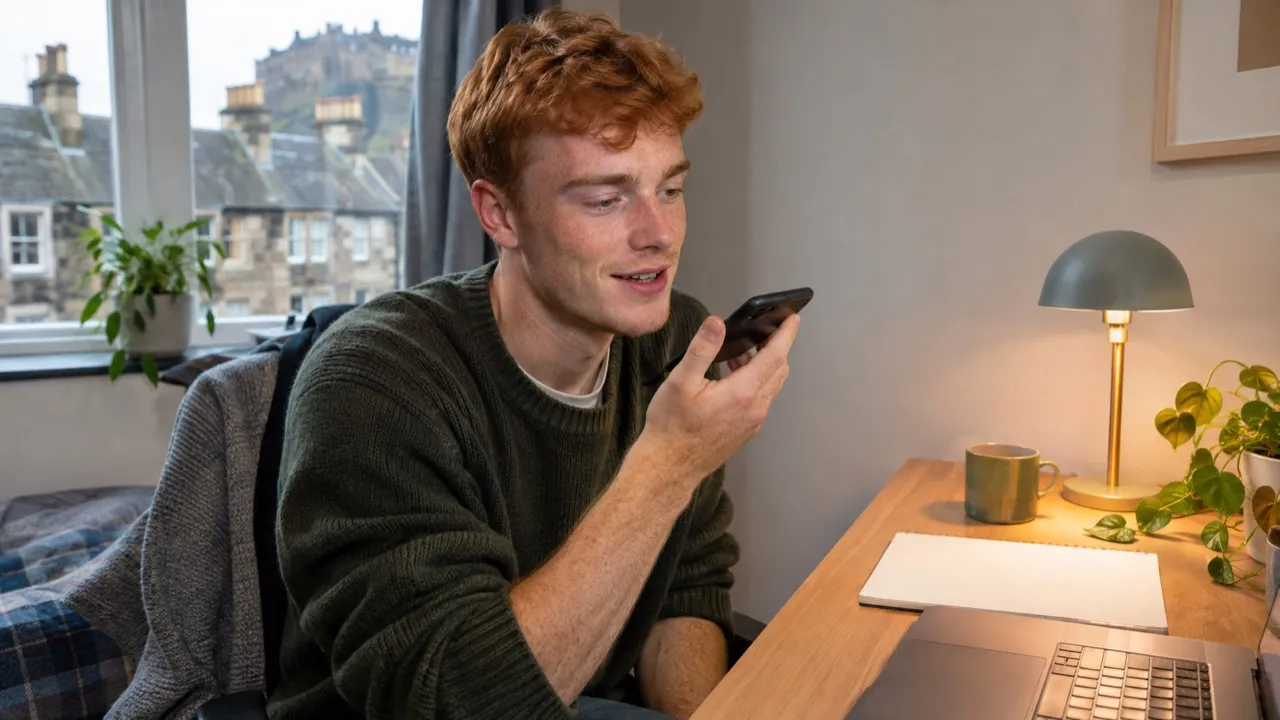
Record or upload yourself, pick one of our six voices, and hear your words come back in that voice with your own pauses and pace.
Press Record or drop an audio file of your own voice, up to 3 minutes. Pick a voice and press Change the voice. It costs 4 credits a minute, at least 2 credits; our 8-second test took 86 seconds. You get a WAV. Only our six voices come out, never a real person’s.
Drop an audio file here or
MP3, WAV, M4A or FLAC, up to 20 MB
By changing a voice you confirm it is yours or you have the speaker’s permission. It comes out as one of the six voices above, never as a real person’s voice.
Our test input was an 8-second read in a deep voice, standing in for a recording of you. Here it is, and what came back.
A low, even read of one sentence, 7.9 seconds long.
The same words and pauses in a lighter voice, 7.8 seconds. Back in 86 seconds.
The words and timing come from you; only the voice is swapped.
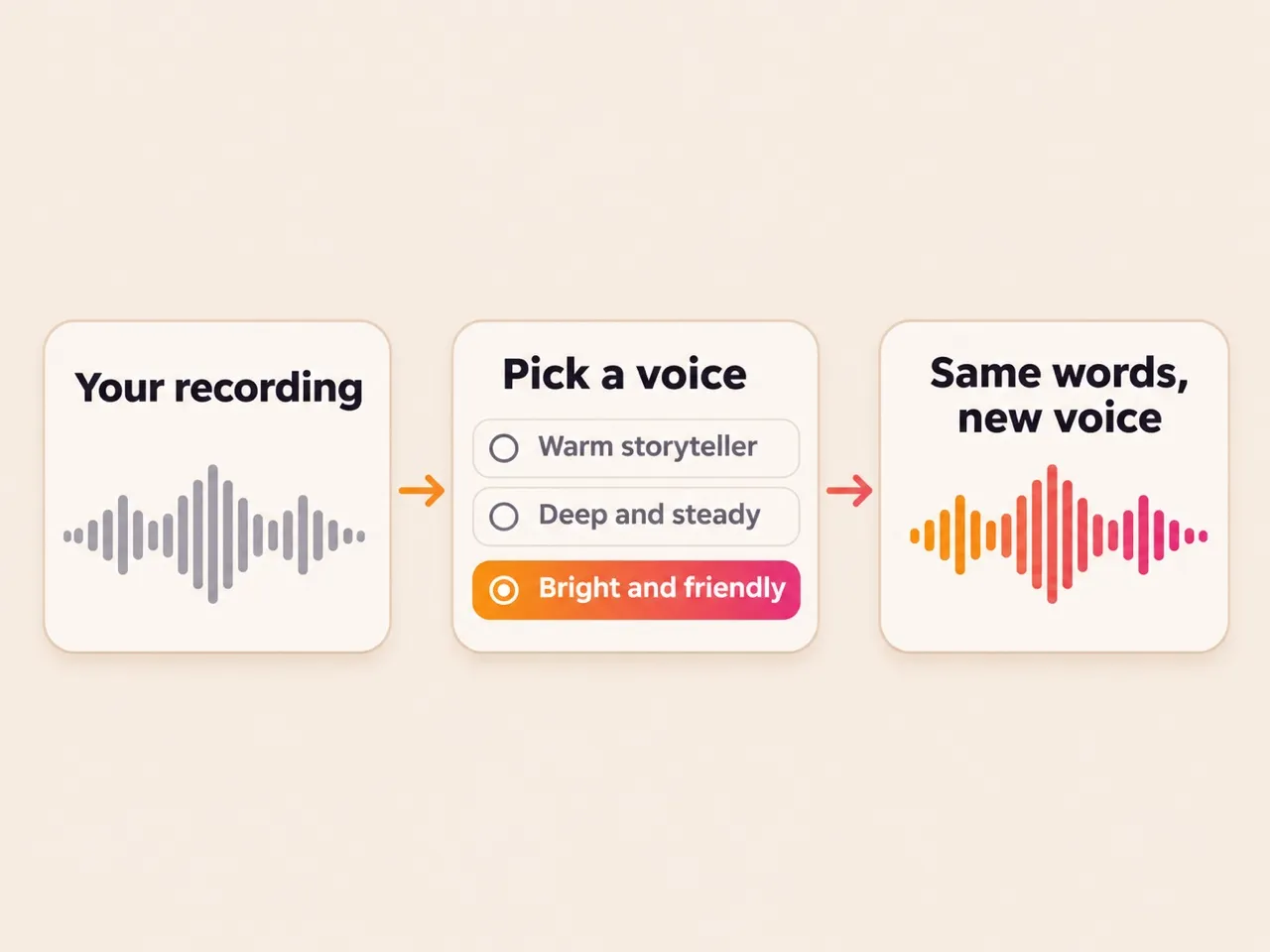
Pauses, speed and stresses follow the recording, so it still sounds like you meant it.
Pitch and tone become the voice you picked: the same six as the voice generator.
There is no upload of another person’s voice to copy, and no famous voices to pick.
Measured on the test above, and the limits of every recording.
Clean input, clean output.
One voice, no music. Hold the phone a hand away from your mouth.
Play the samples first; the one that fits the words fits best.
The WAV appears in your list when it is ready, even if you leave the page.
No. Only our six voices come out, and none of them copies a real person.
Only with their permission. The line under the button asks you to confirm the voice is yours or that you may use it.
It is made for speech. For a song sung in a new voice, use the AI song cover.
Up to 3 minutes and 20 MB. Longer talks can be changed in parts.
The credits come back on their own, and the job shows as failed in your list.
Not covered here.Ask us something else
Write the words and get them sung in a full song.
Make a songTwo free songs, no account needed.